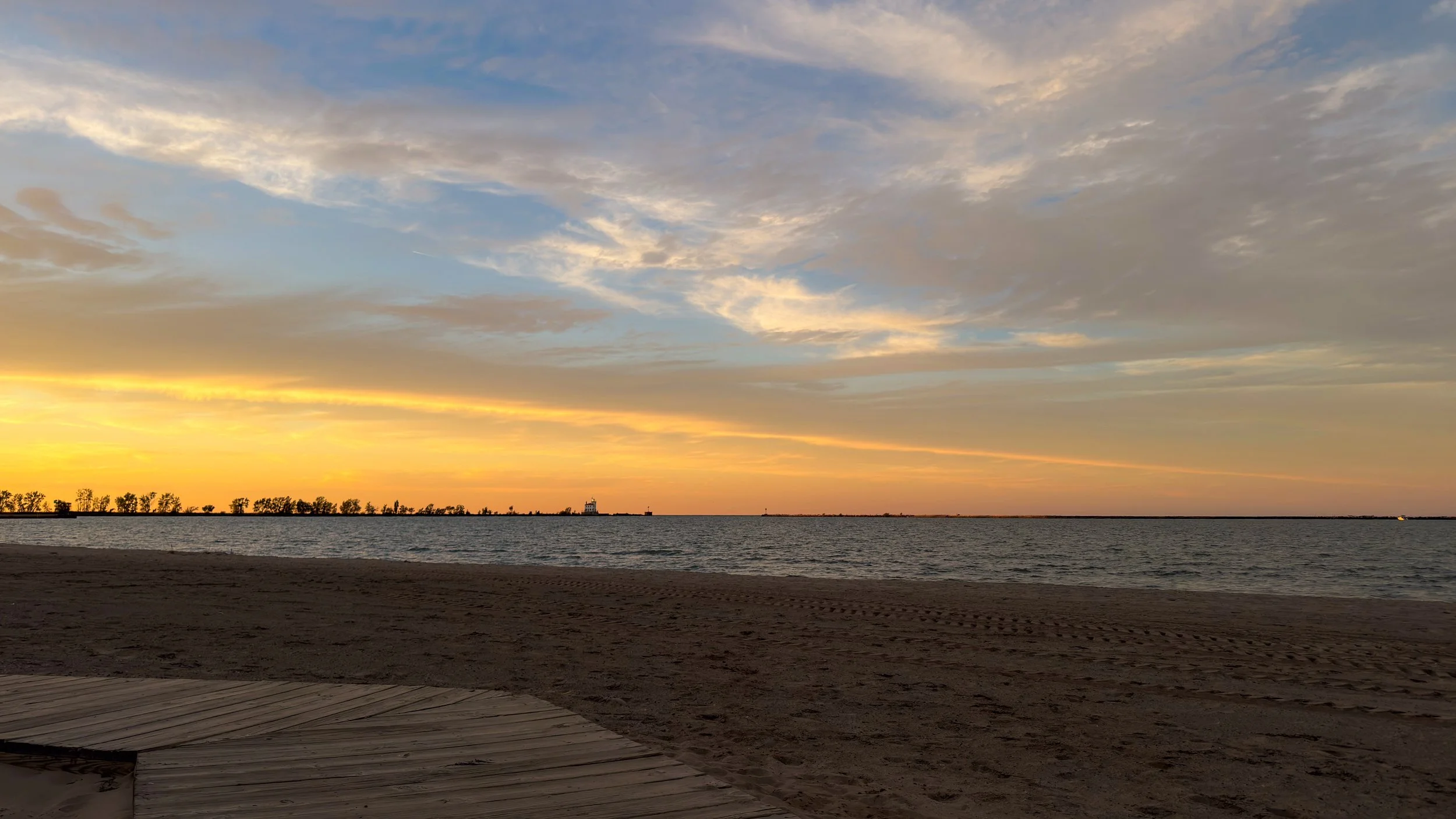
Sunset in the Harbor
in the early evening yesterday the clouds looked like they would setup nicely for a colorful sunset. Mother Nature was on point!
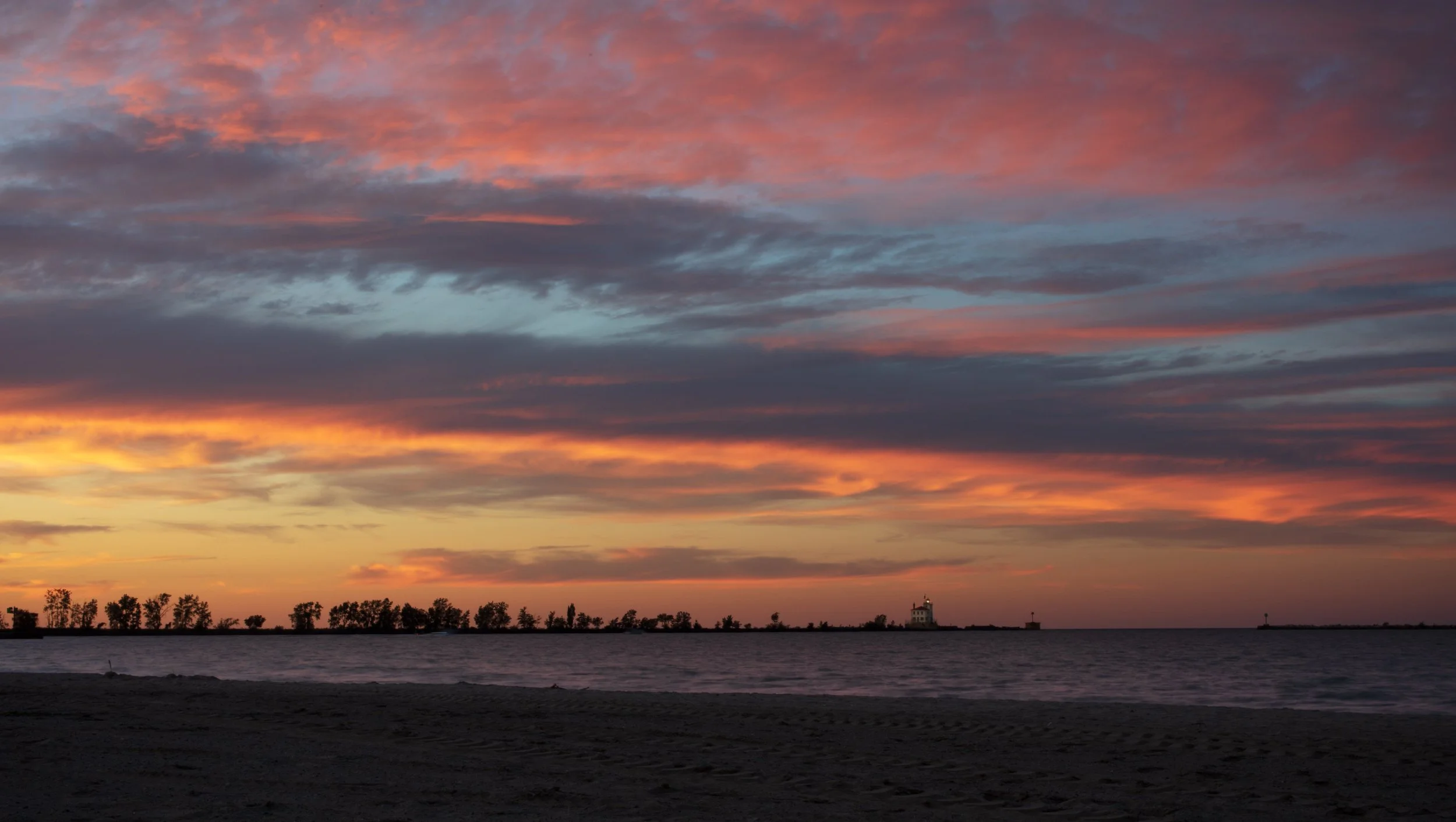
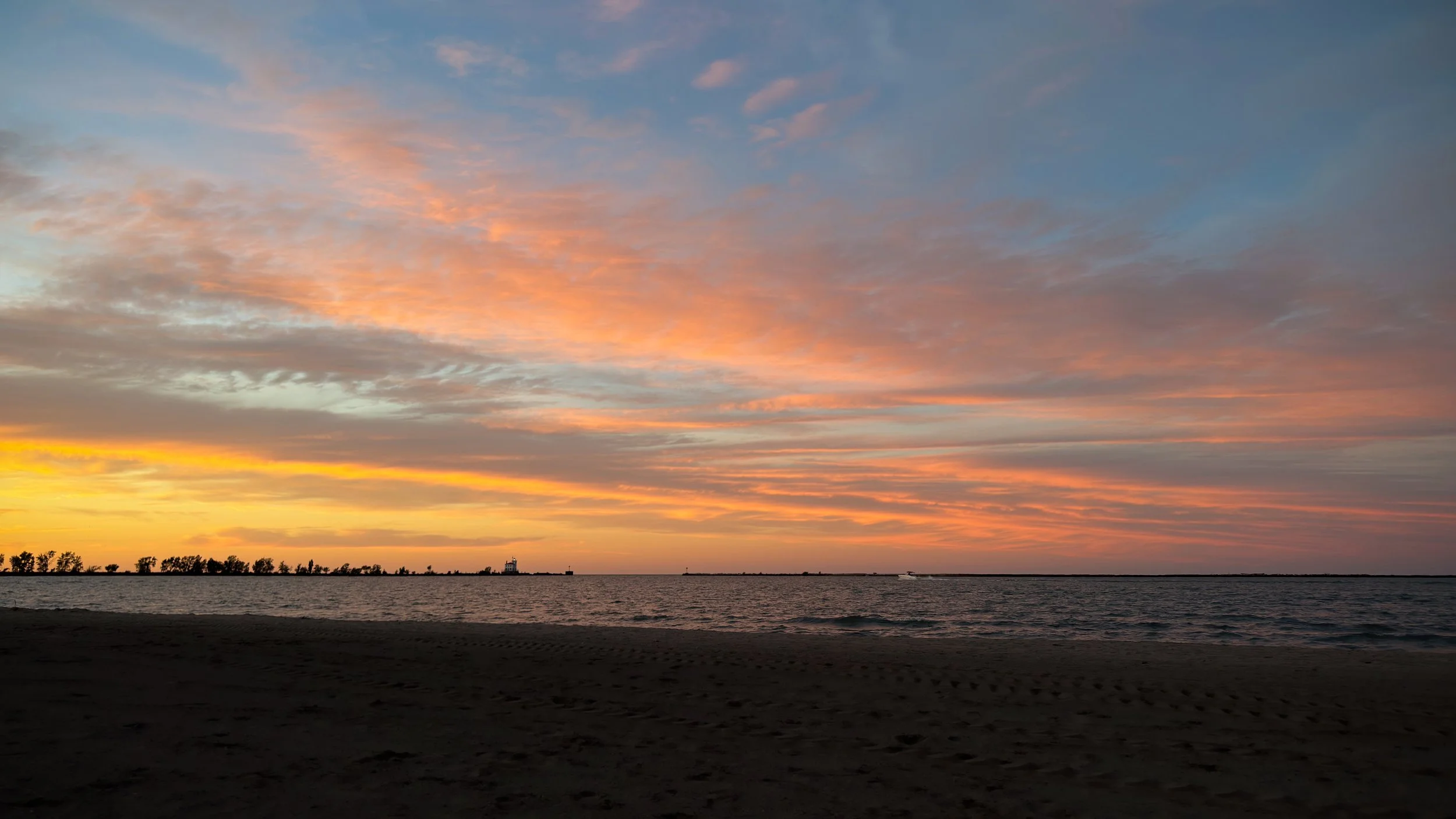
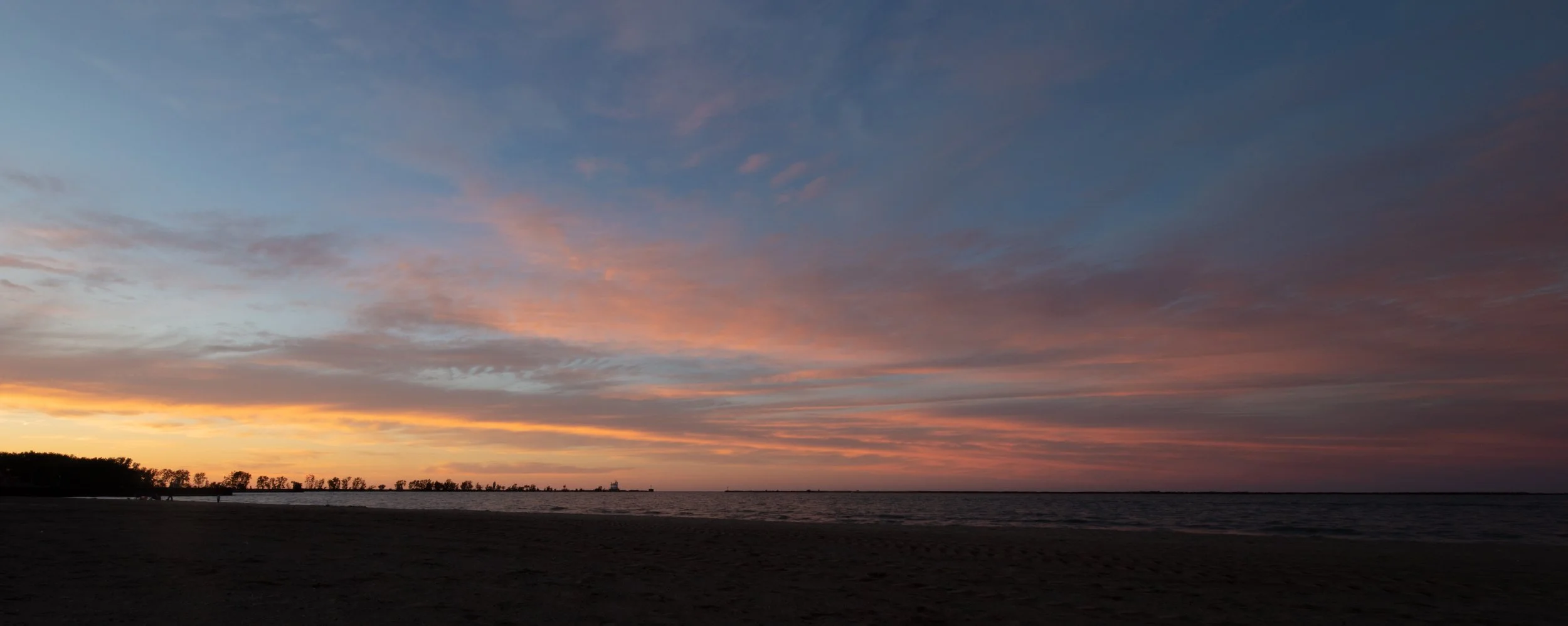
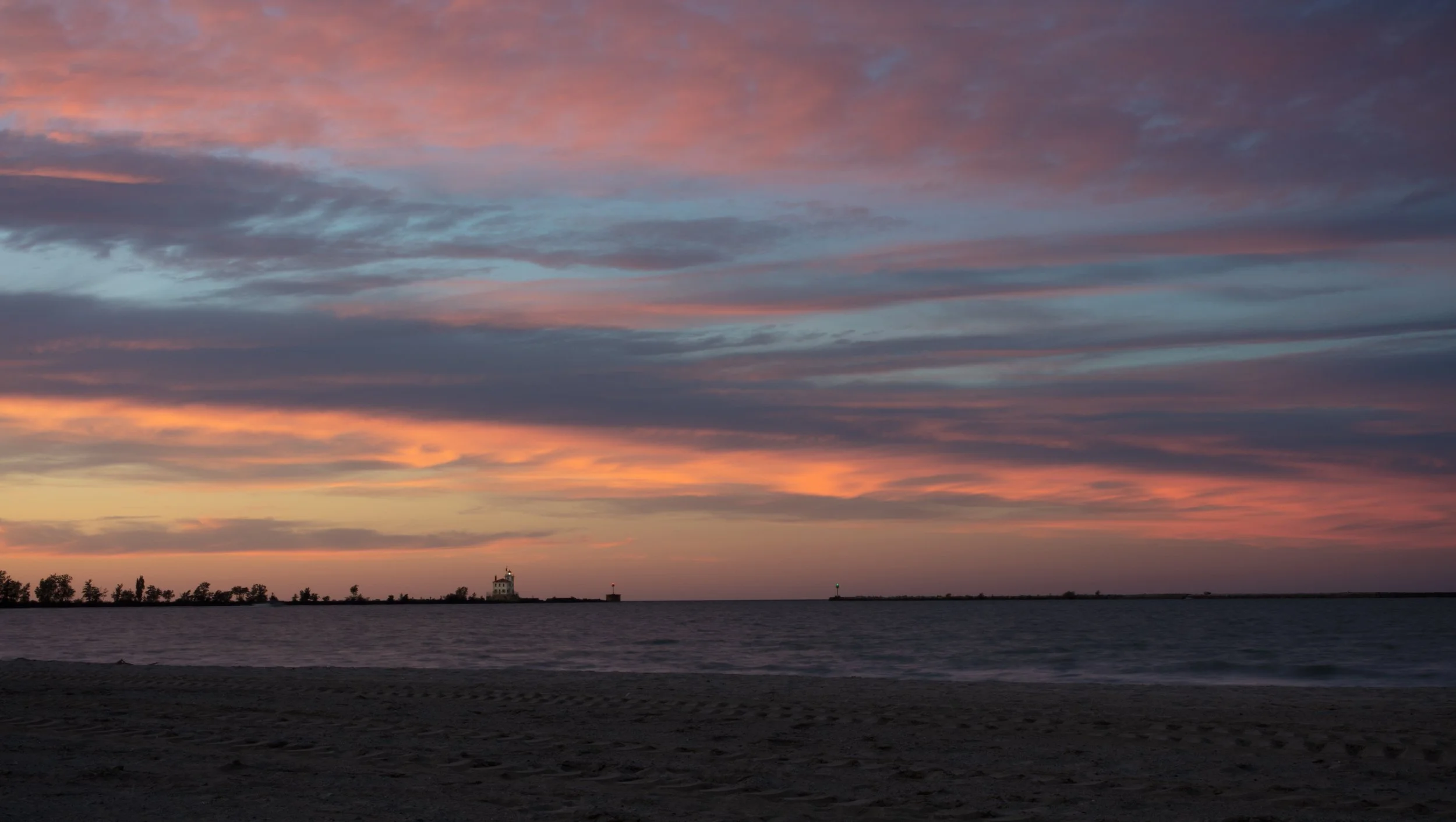
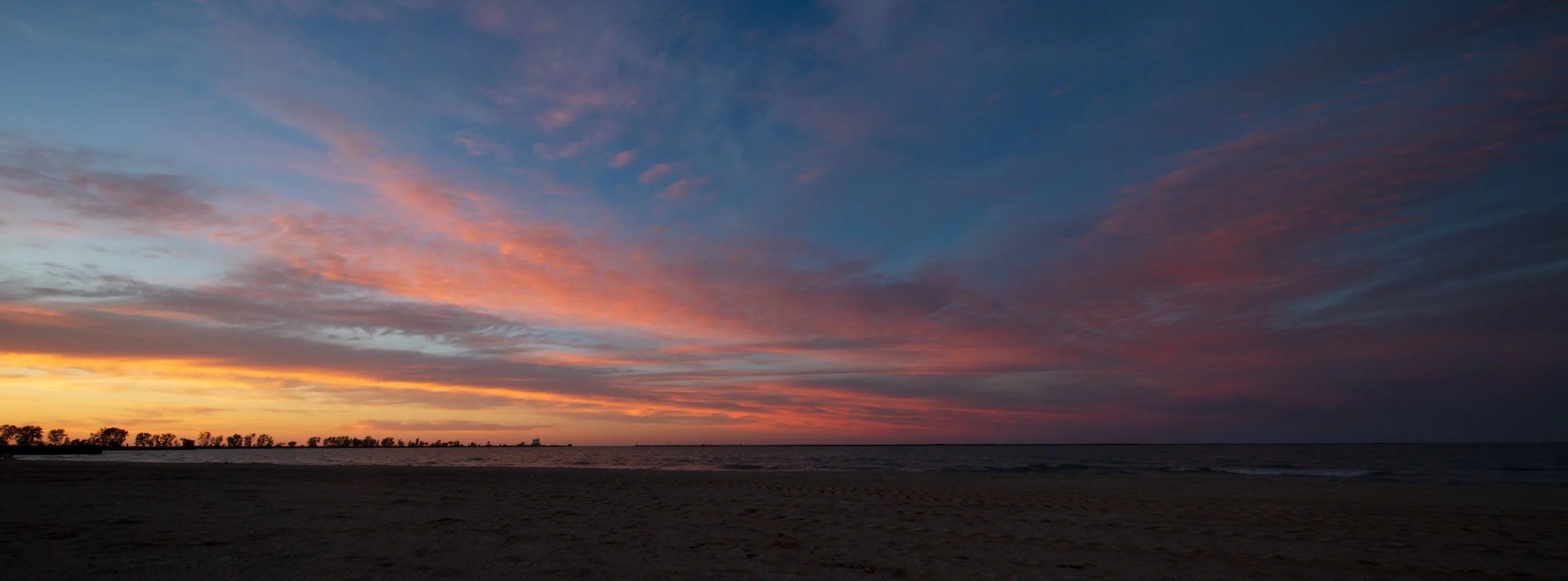
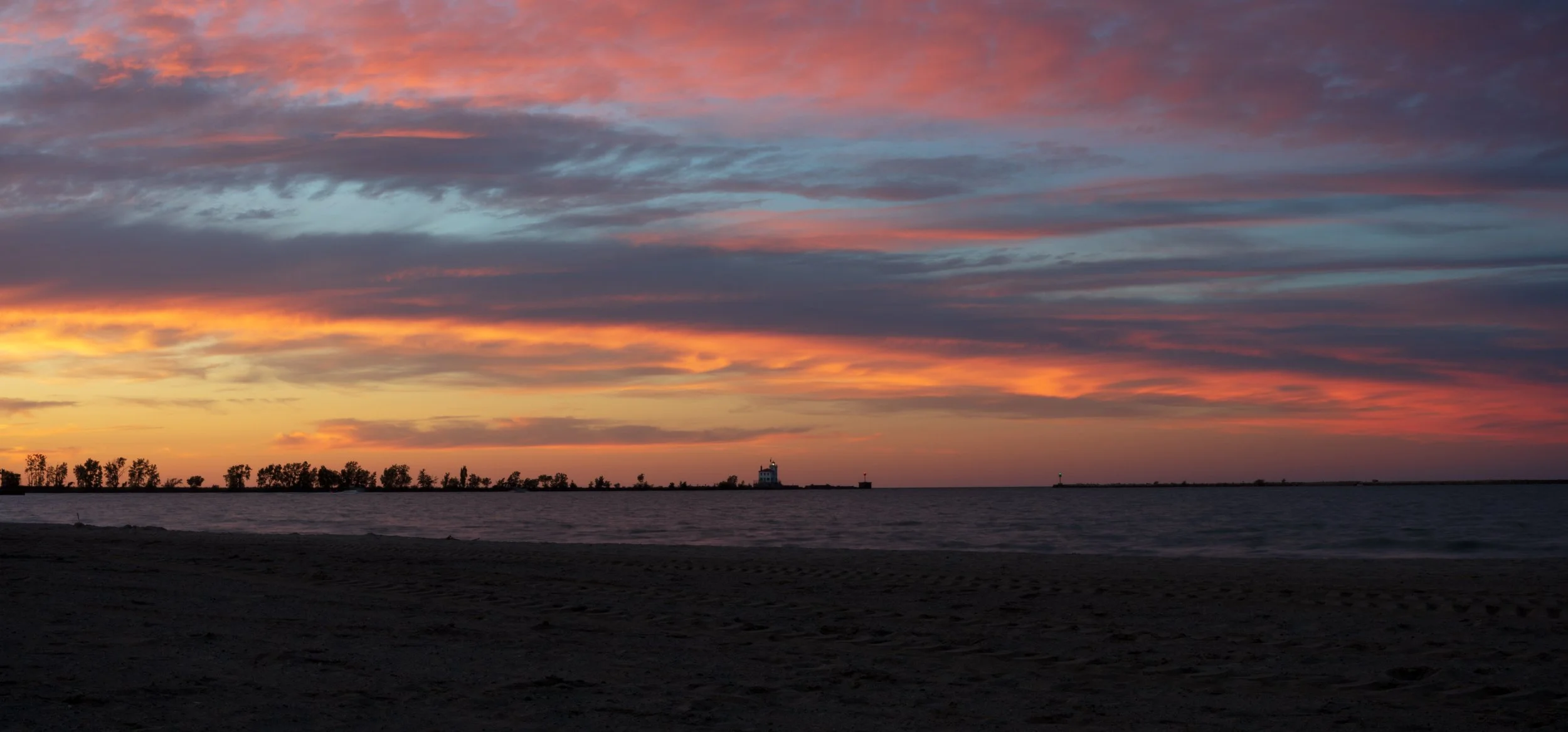
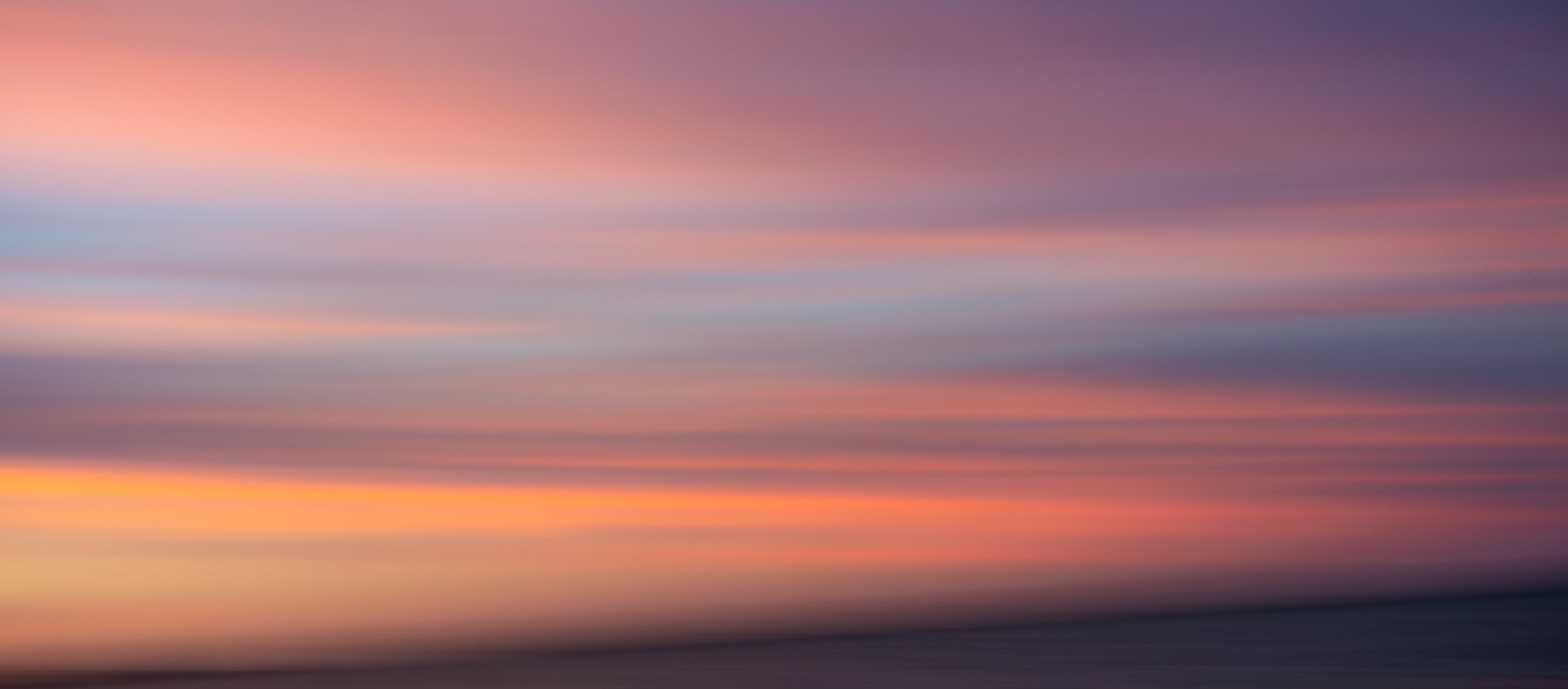
Fairport Harbor Beach Abstracts
Prior to yesterday I had not taken any long exposure panoramas for several years. In the early evening it looked like the clouds were setting up to be very colorful during sunset, and I was not disappointed. I took traditional photos of the sunset (in another blog post), but I also took some abstract images.
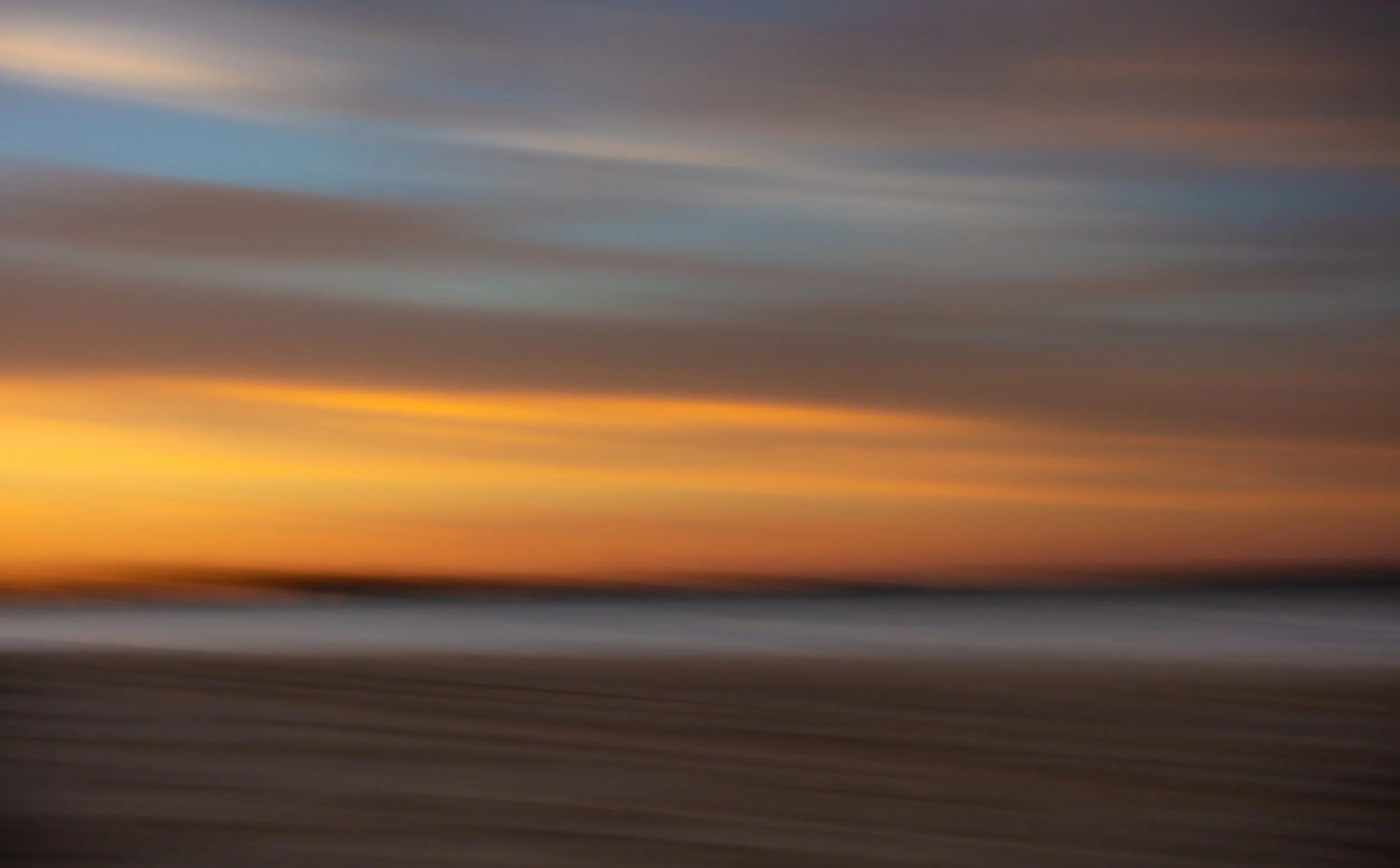
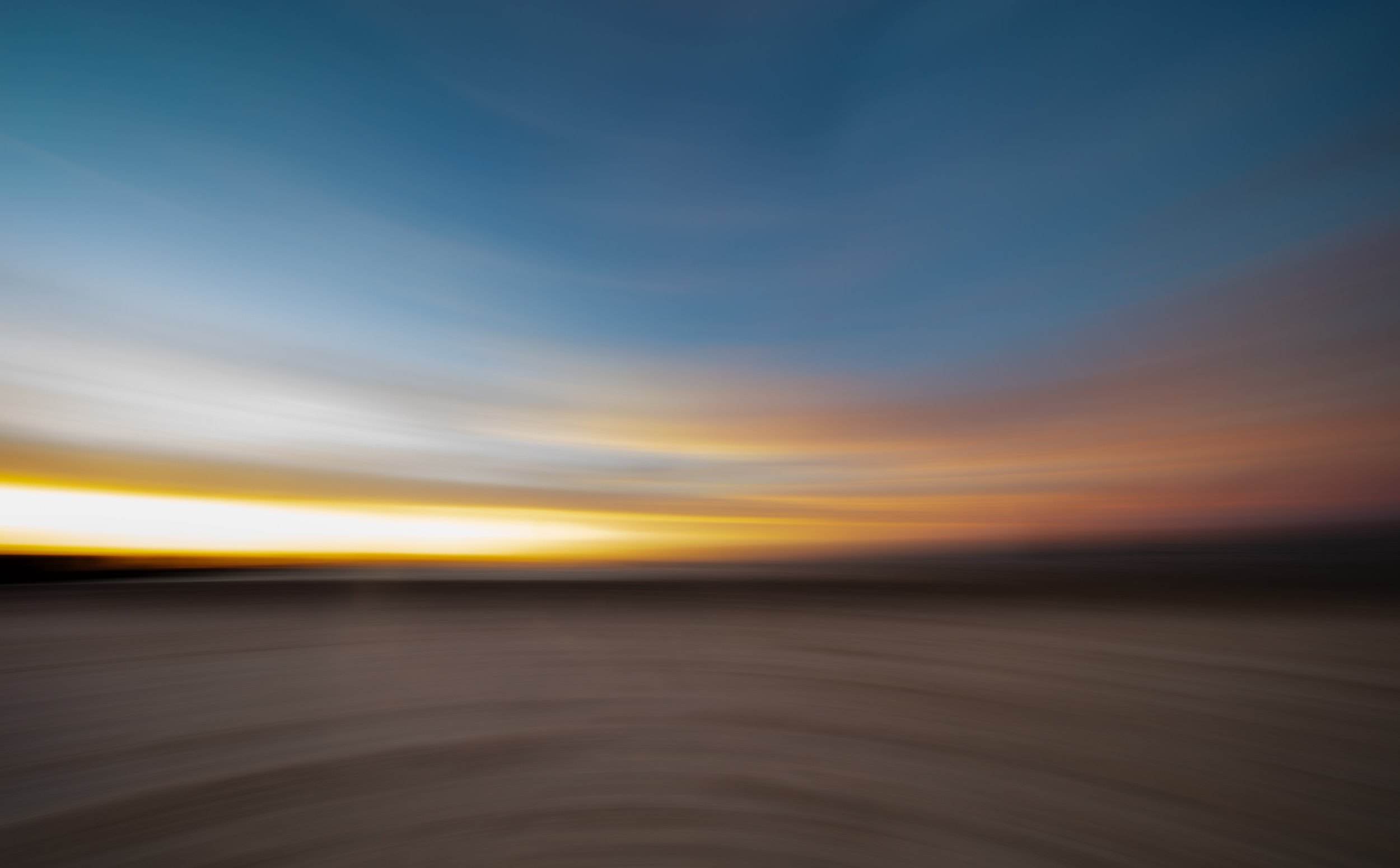
Abstracts From Penitentiary Glen
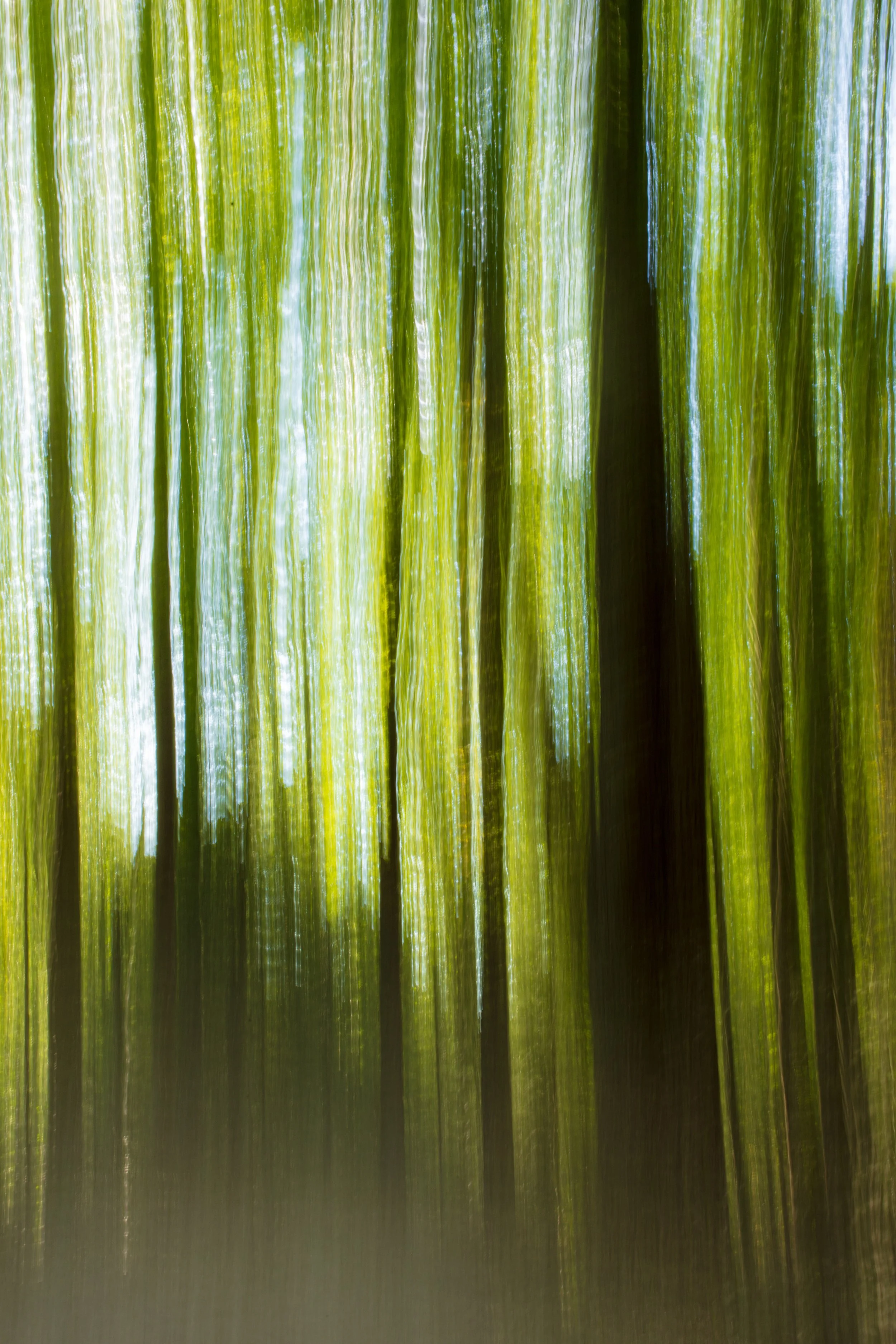
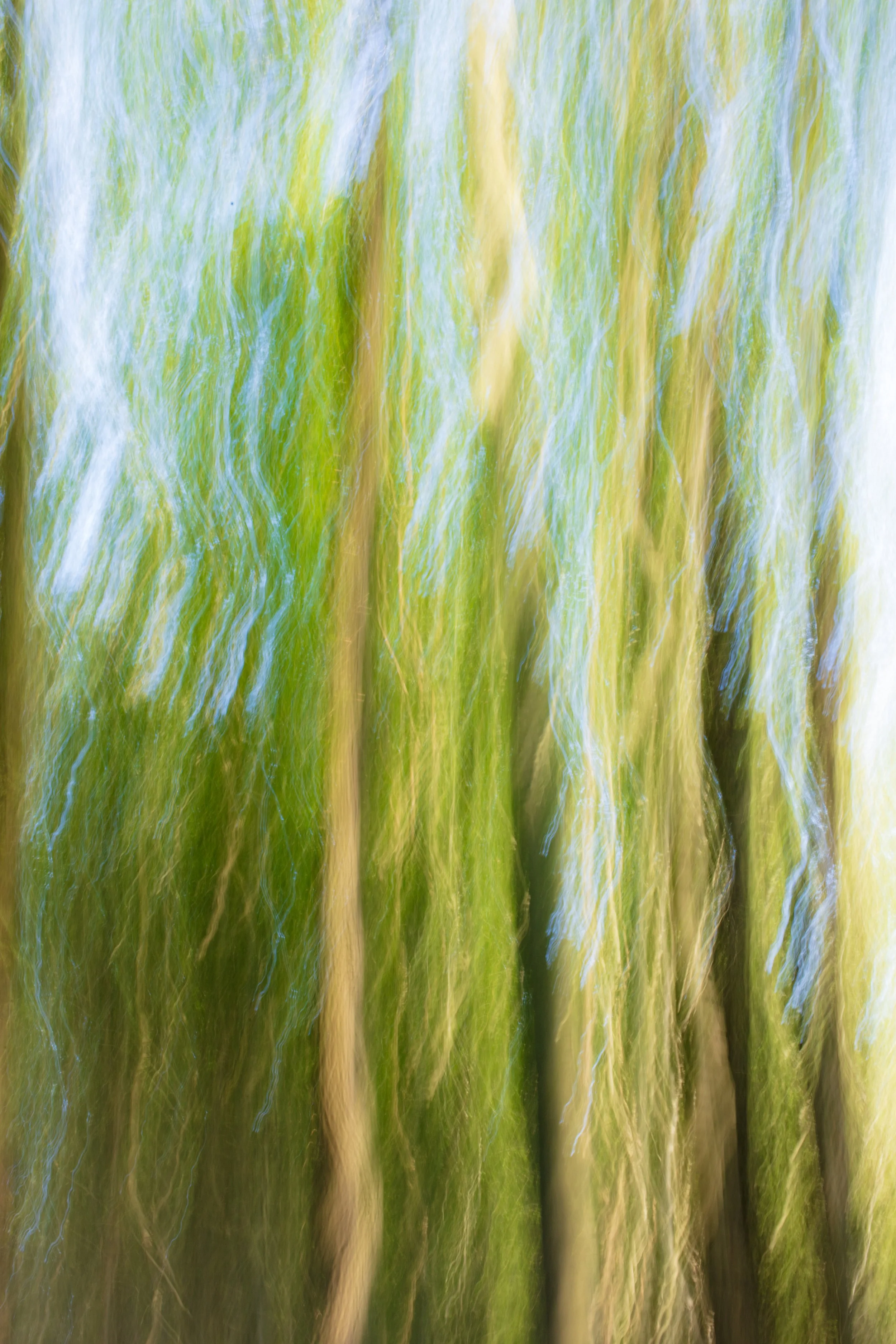
I did a hike yesterday at Penitentiary Glen in Kirtland, OH. The website mentions waterfalls in the gorge, and that’s what I thought I wanted to see. Turns out the waterfalls are very underwhelming and not in a good location to photograph even if they were worth it. I made the best of my trip, and on the way out I stopped at one corner of the Gorge Loop trail and took some long exposure vertical panoramas. I was a bit out of practice, so they are not the exactly what I would like to see.
Asian Lantern Festival 2023
It was a perfect 76 degree night to walk the Asian Lantern Festival.














Cabin Fever July 2021 Models
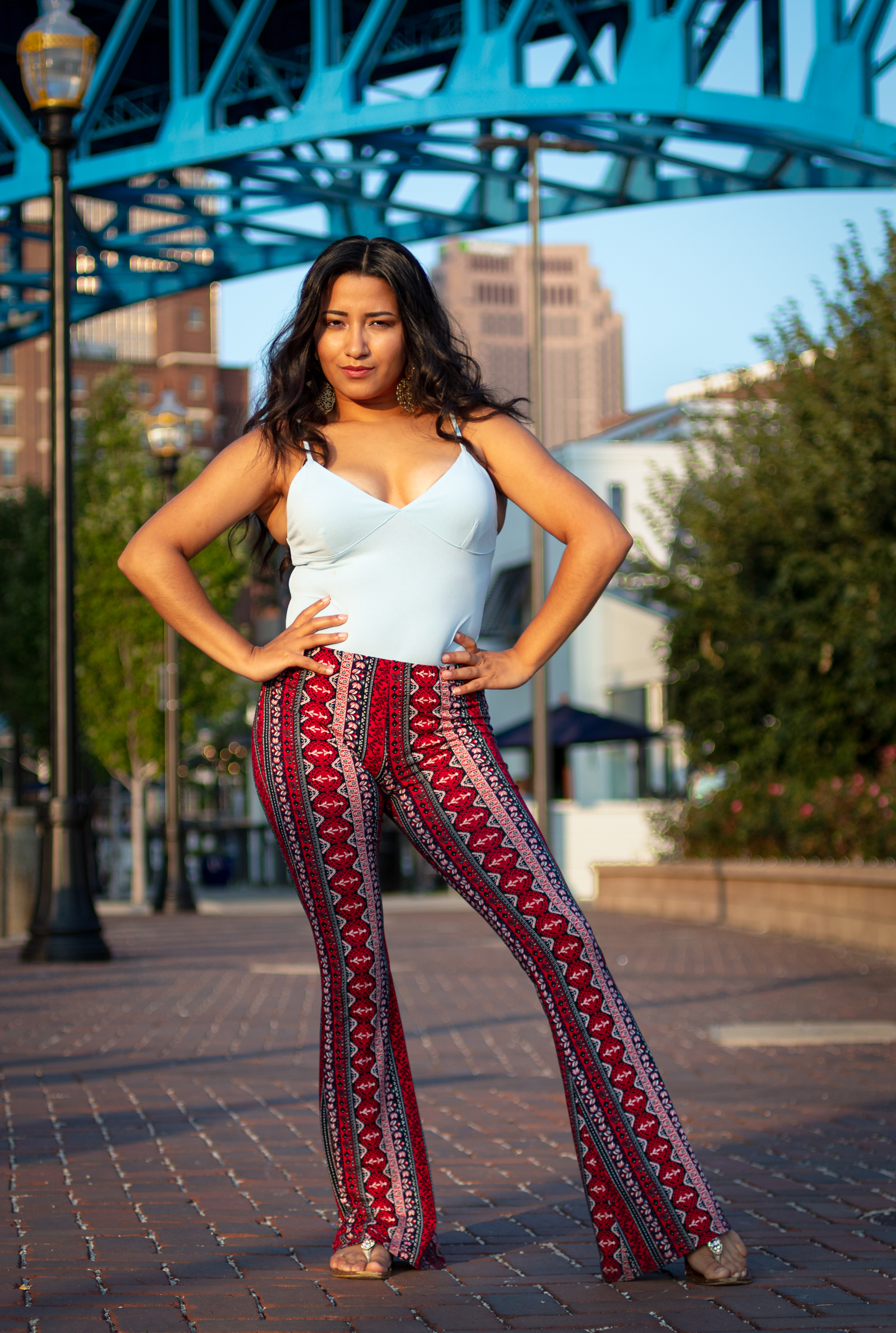
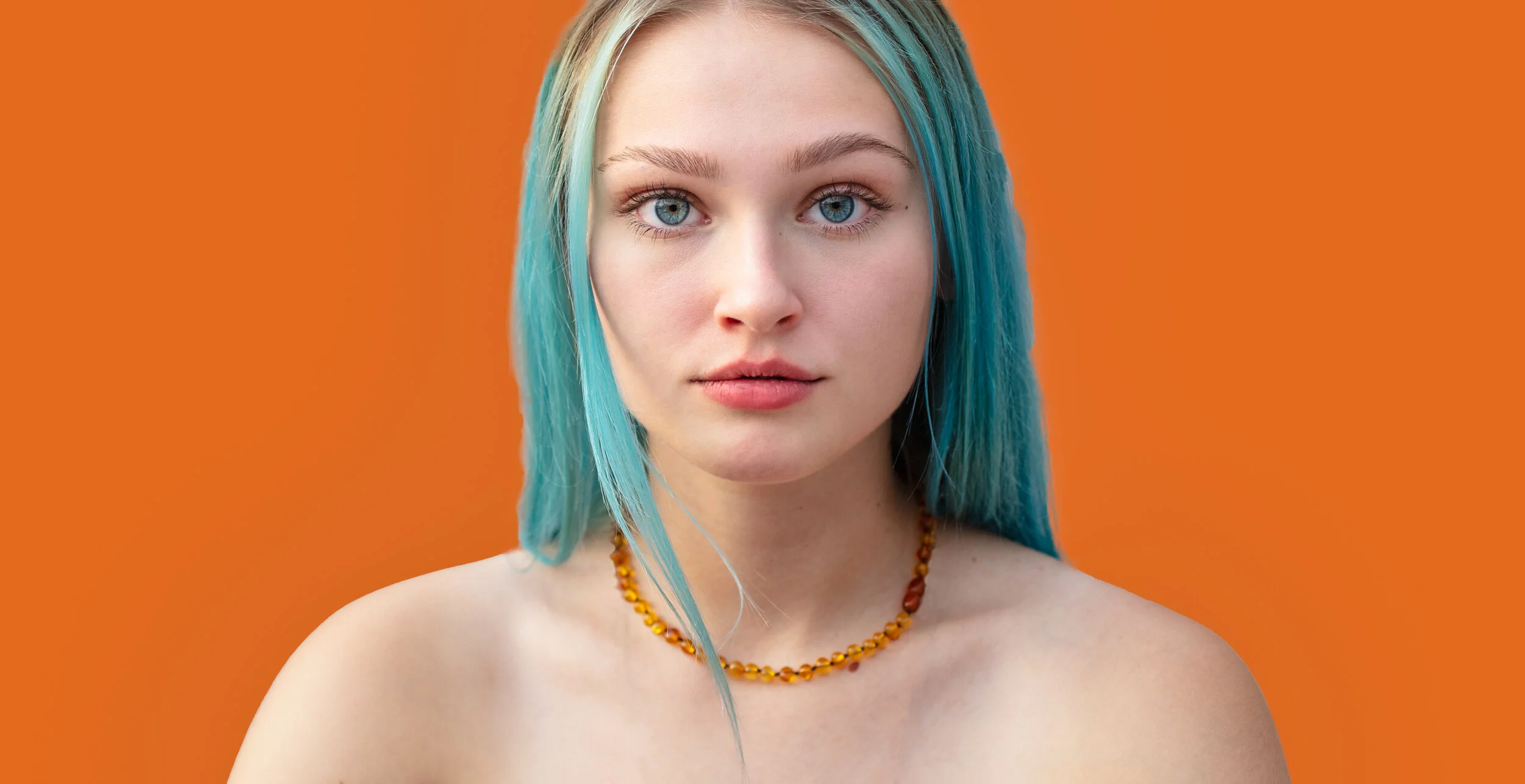
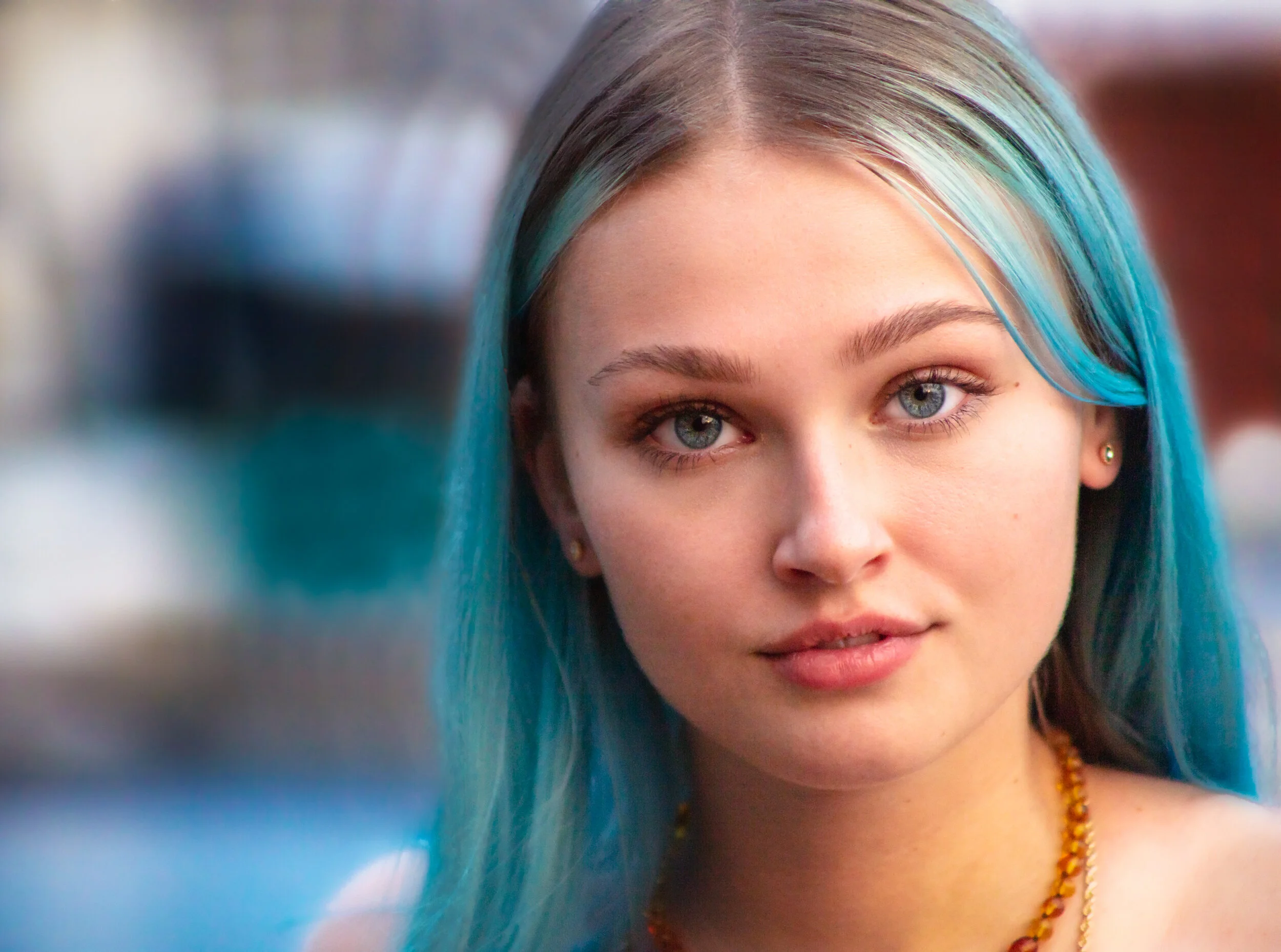
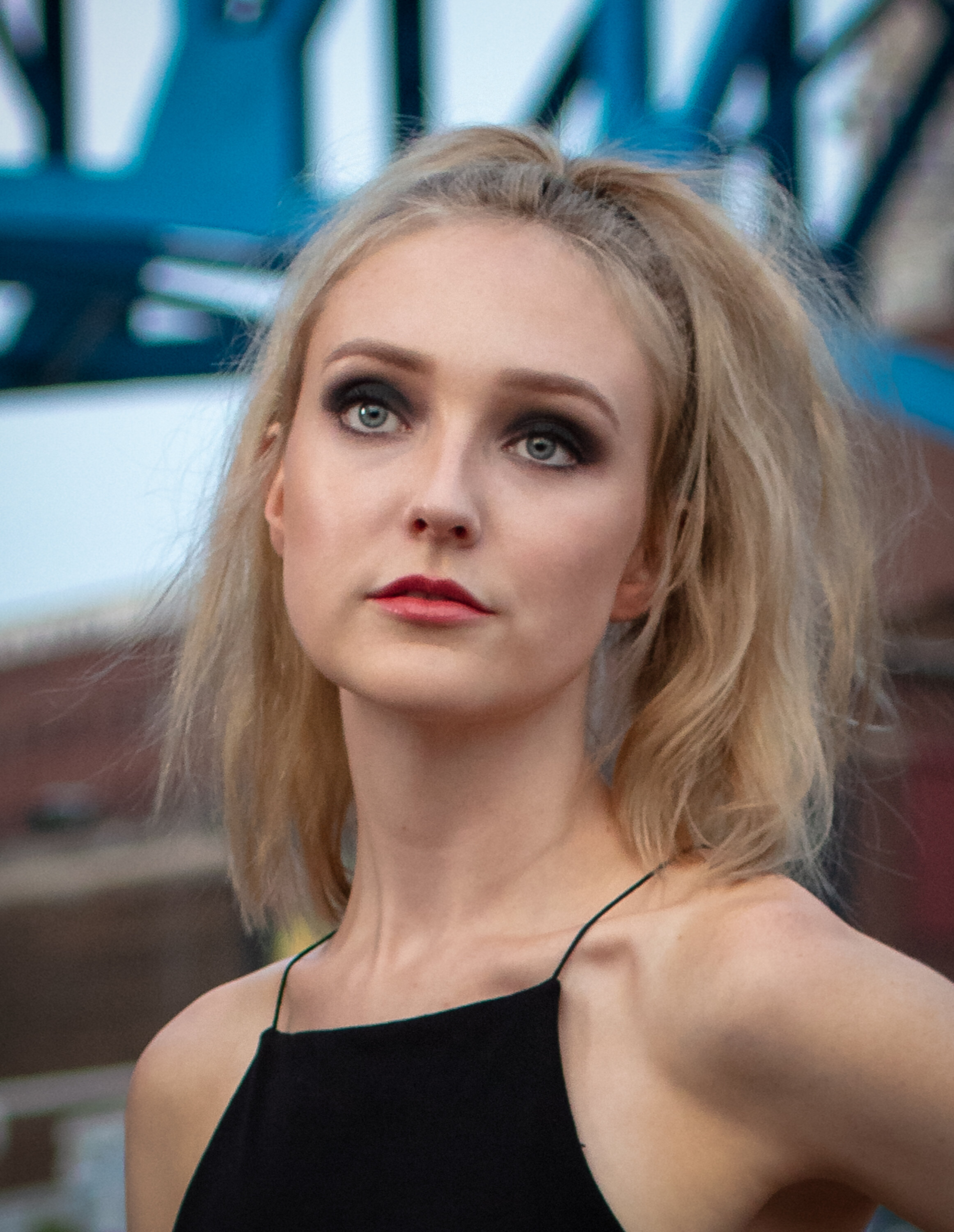
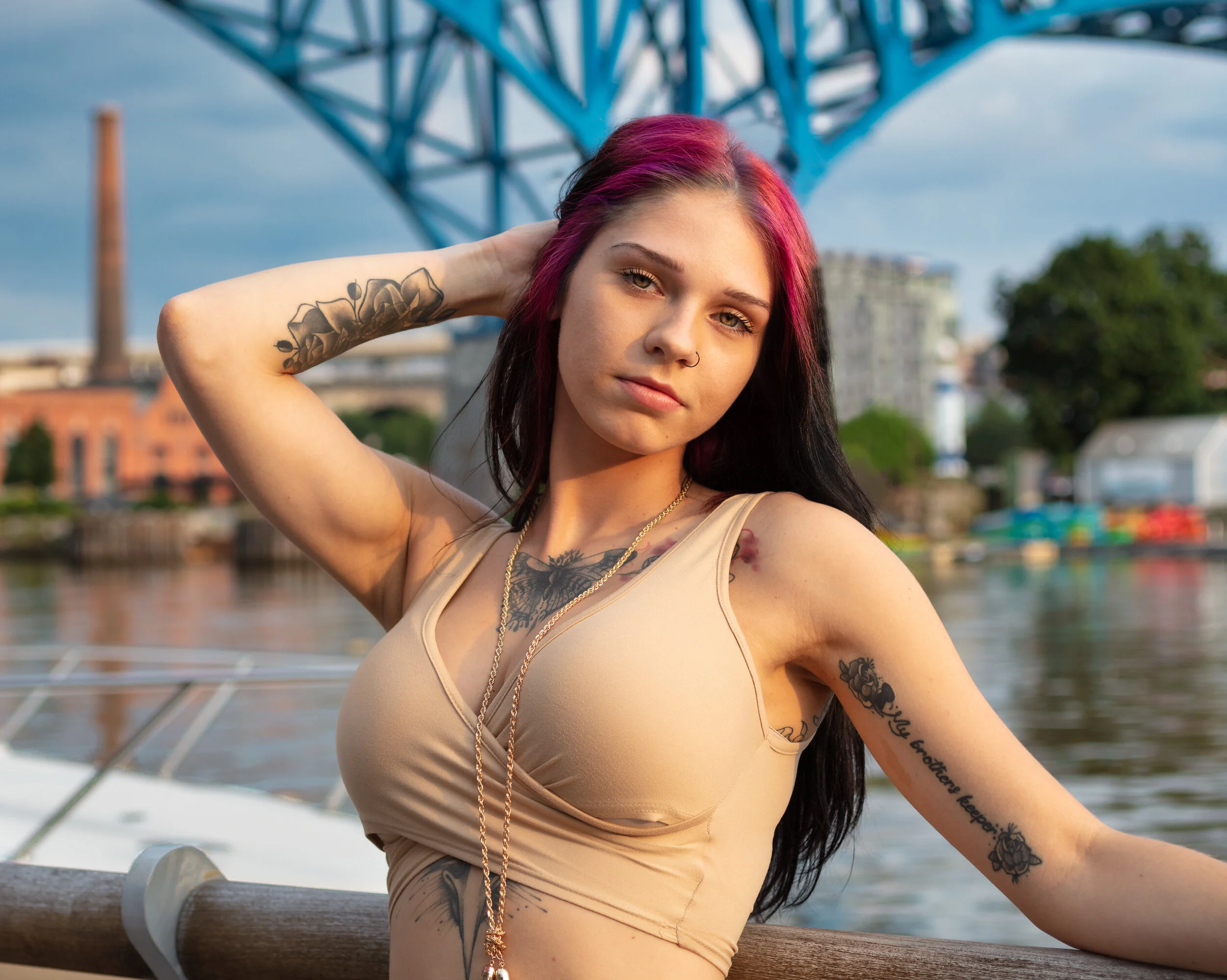
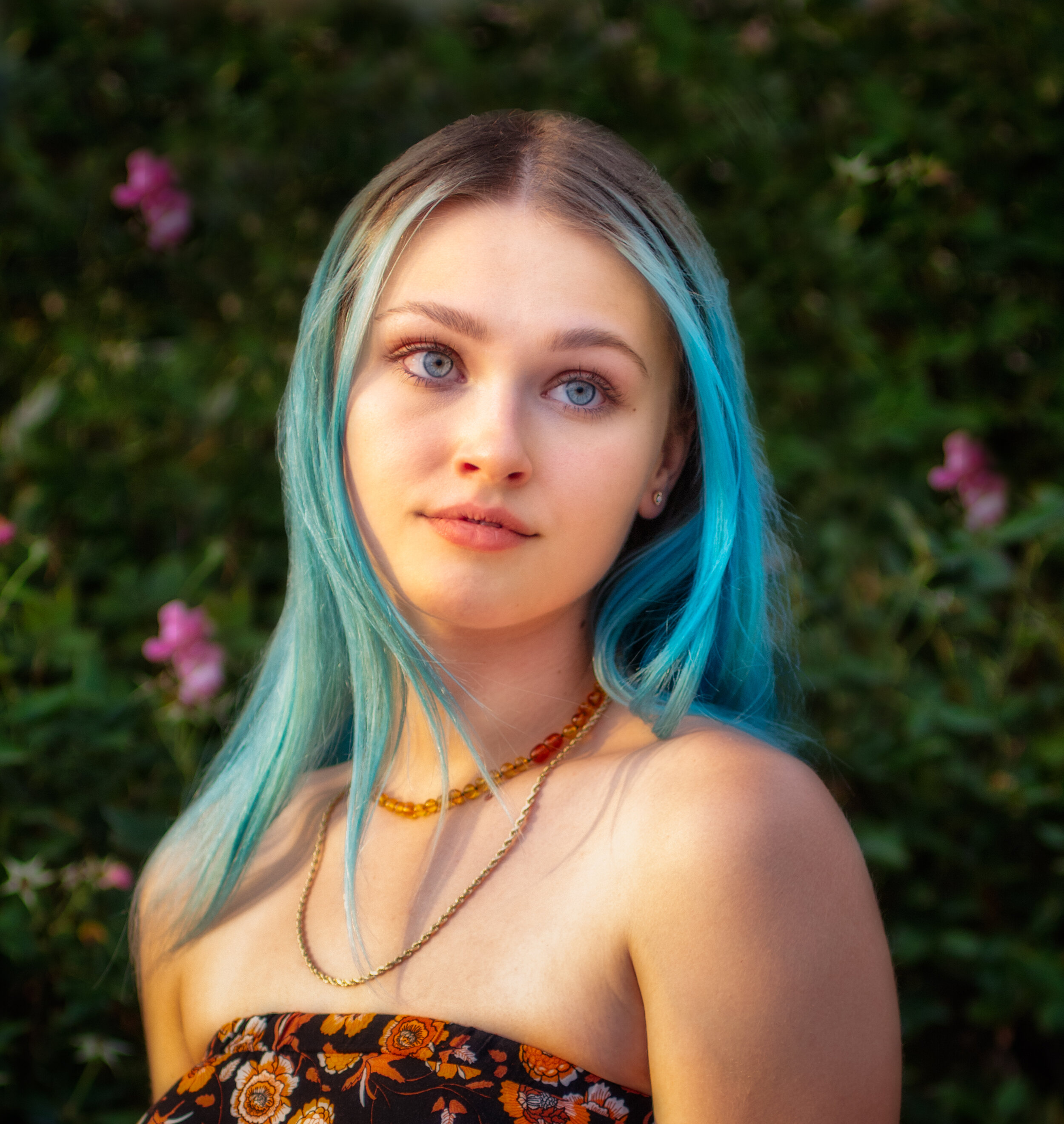
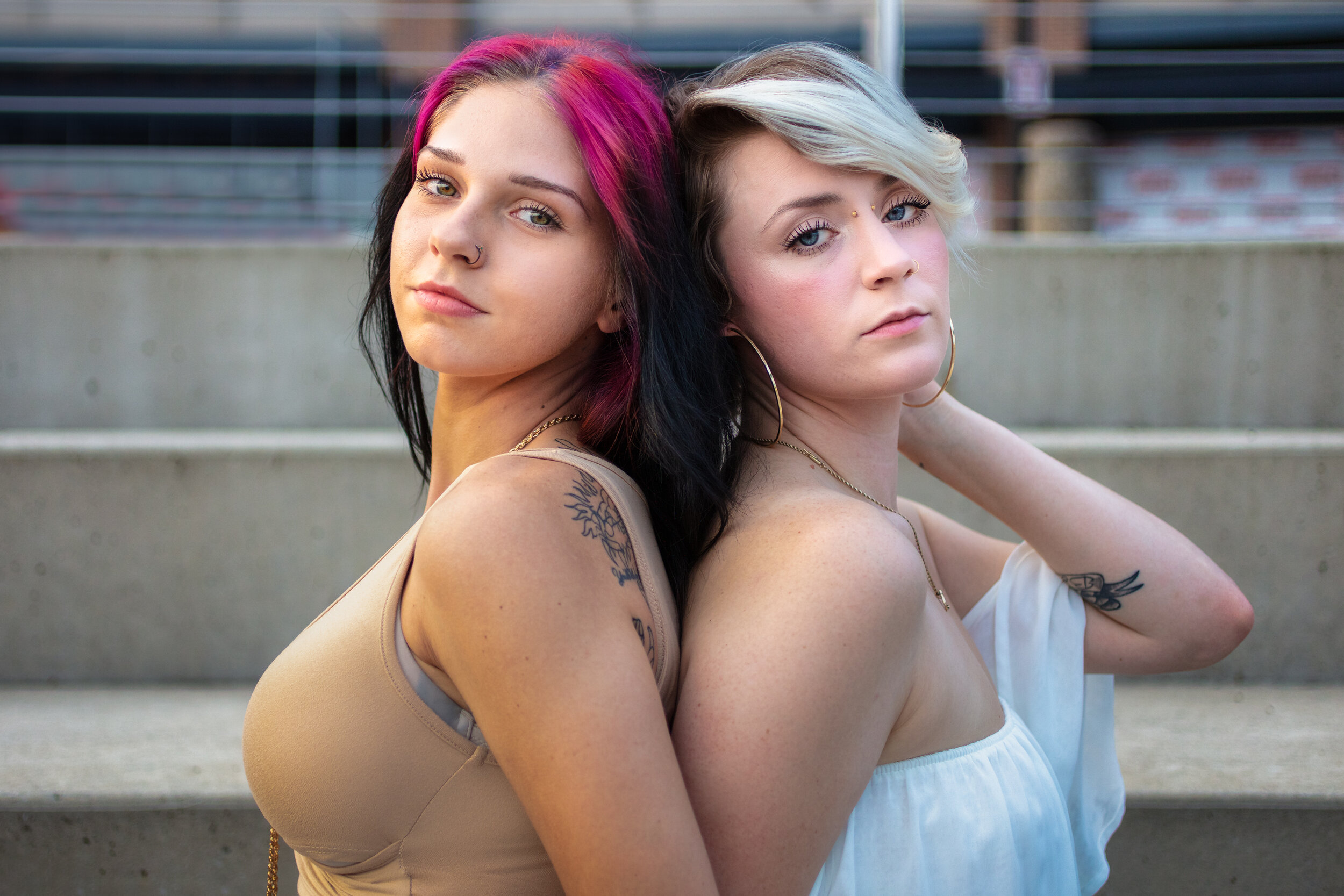
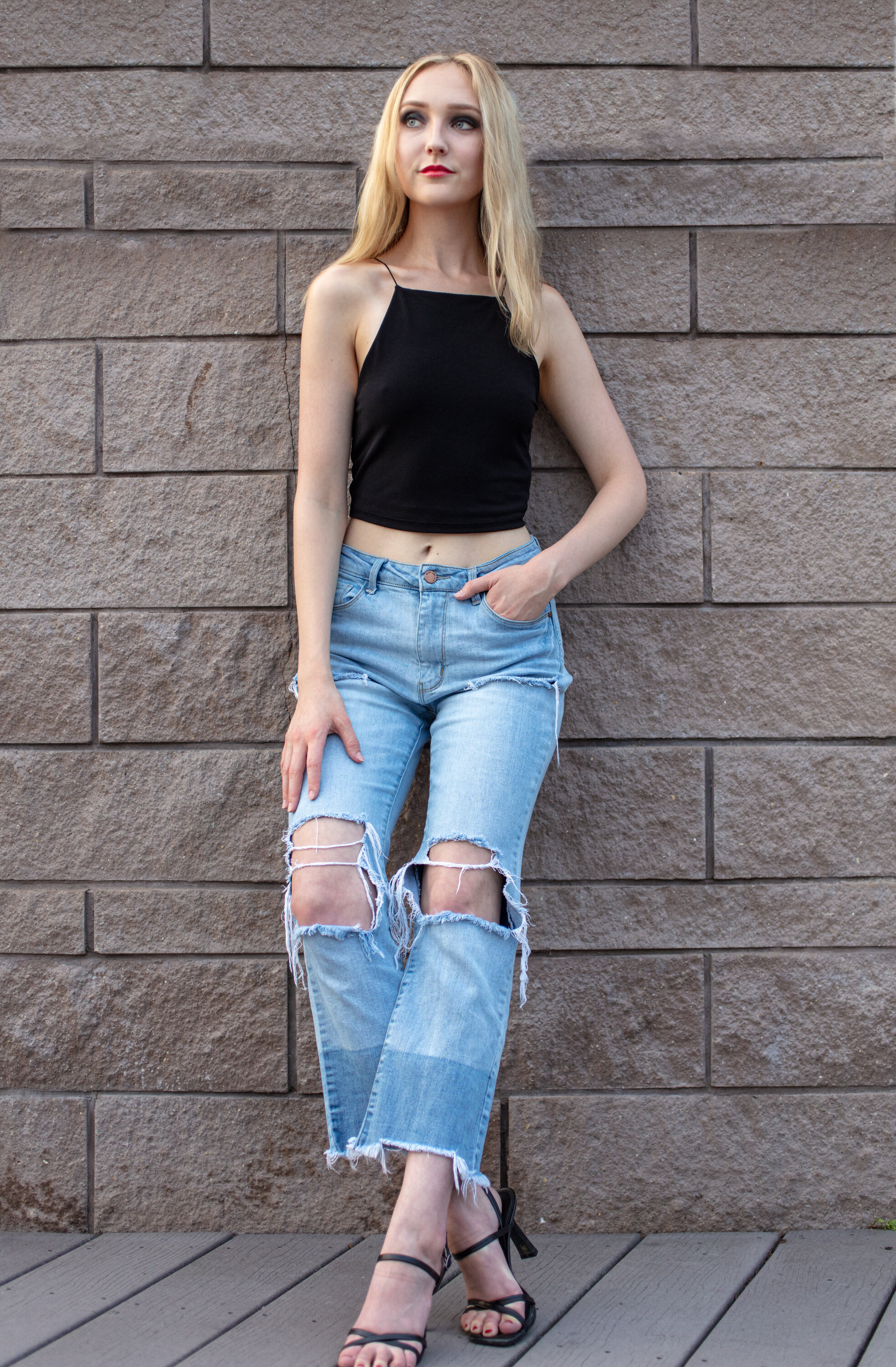
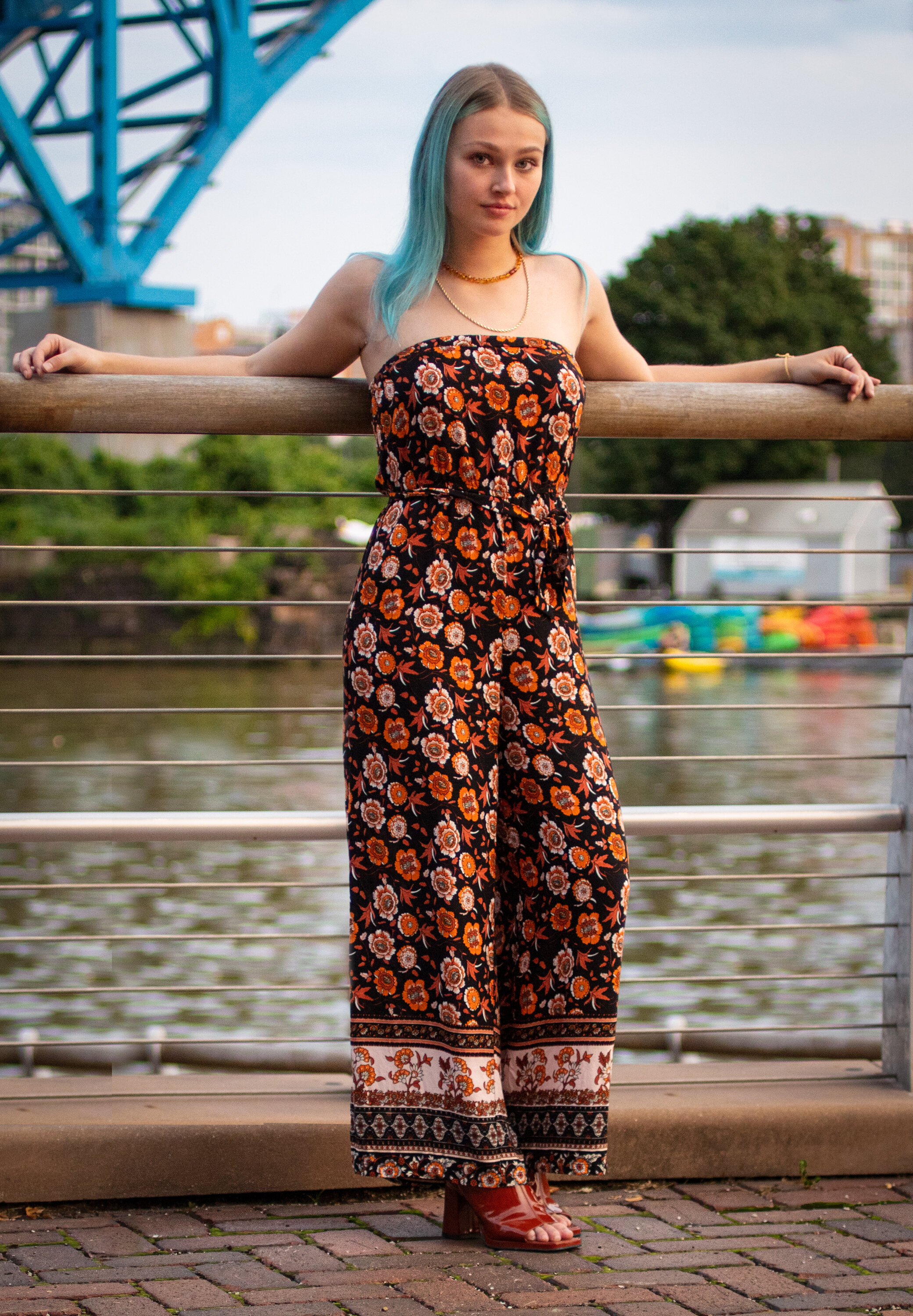
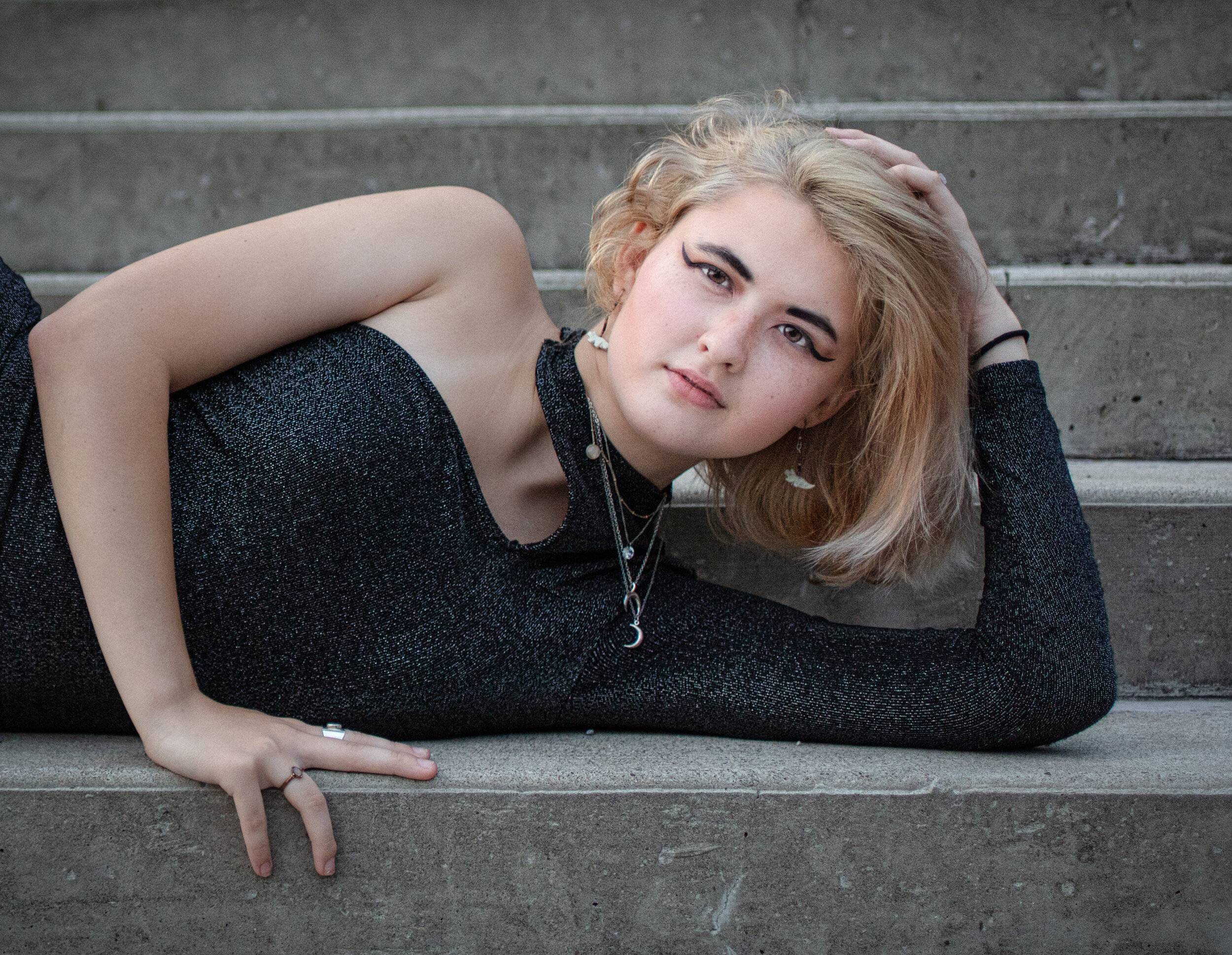
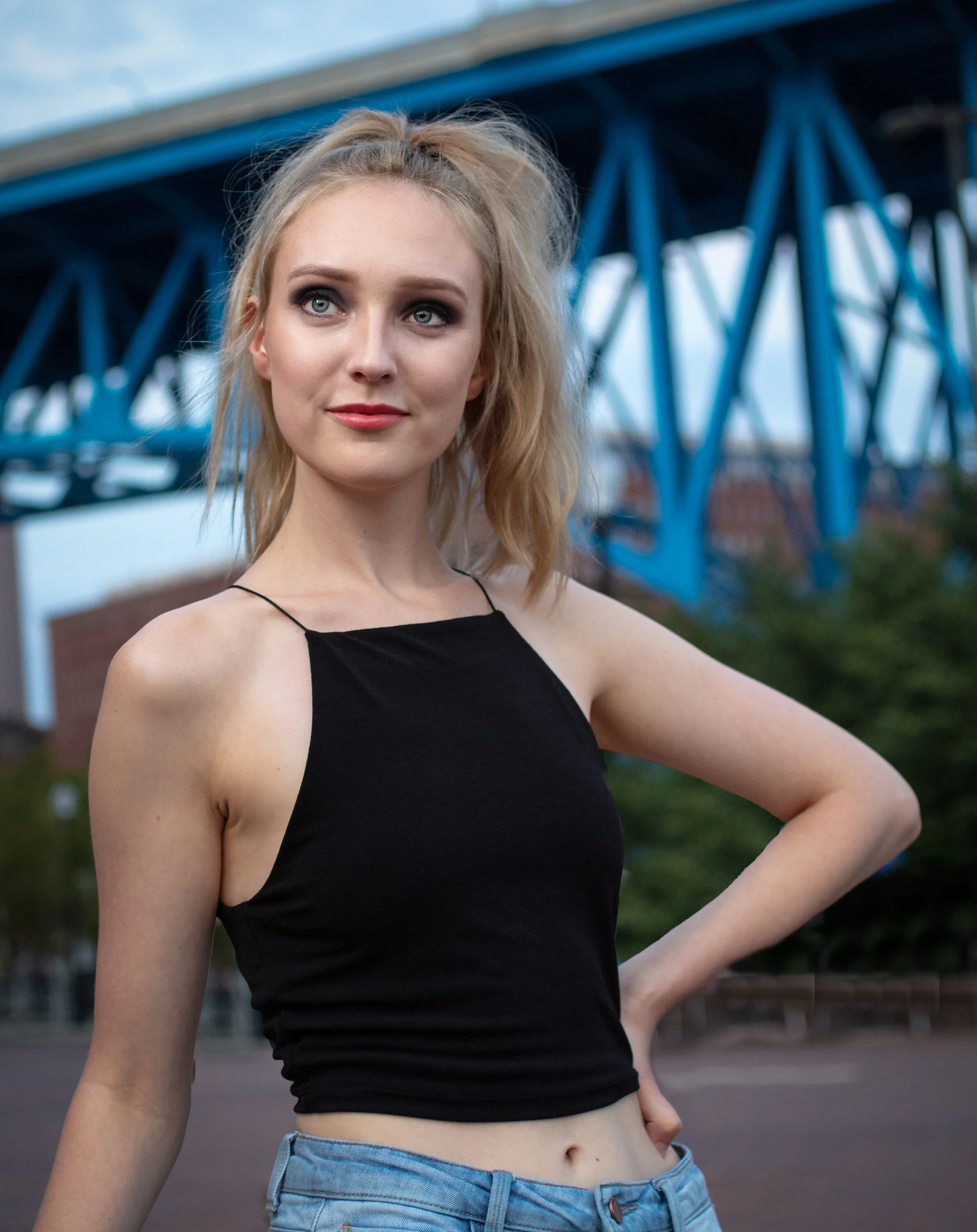
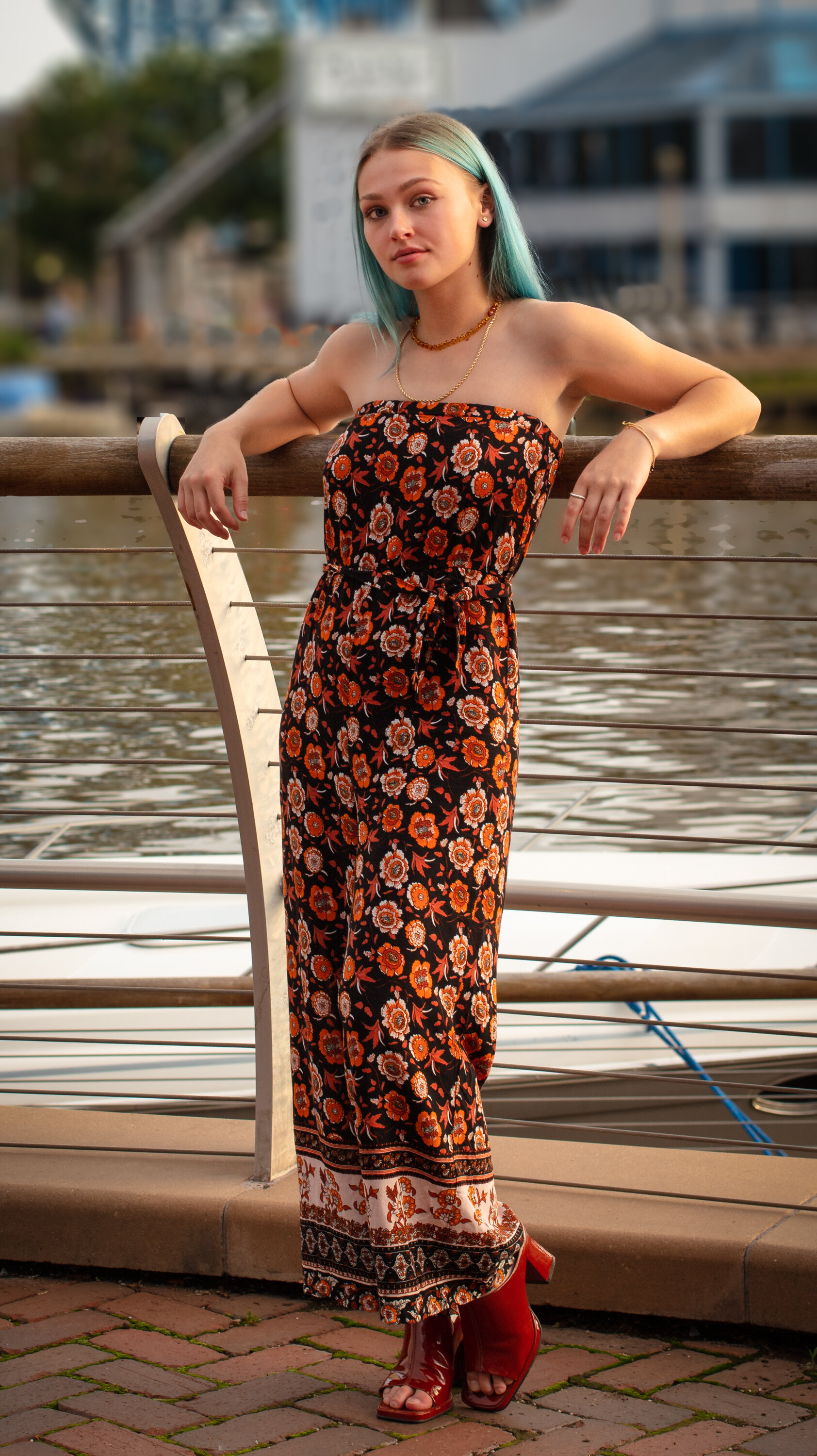
I recently attended a photographer / model networking event. The models walked around the East Bank of the Flats, posing for photos while the photographers jockeyed for position. Cleveland photographer, Sam Young (@sam.young.studios on IG) organized the event.
People pictures are generally outside of my comfort zone, but I wanted to stretch myself. Working with models who know how to pose is much easier than photographing people who haven’t modeled. I haven’t worked on directing the models poses yet - that is still out of my comfort zone.
Below are the edits of my best shots from the evening.










Skylum software referral link
For the past few years I’ve been using Skylum Luminar and Aurora HDR software for post-processing my photos. Not exclusively, but as a supplement to Lightroom and Photoshop.
I have a referral link, if you decide to take a look at Skylum software, I’d appreciate if you would use this link
https://skylum.grsm.io/adamkilbourne3811
Thank you.
Face Masks Available for Purchase
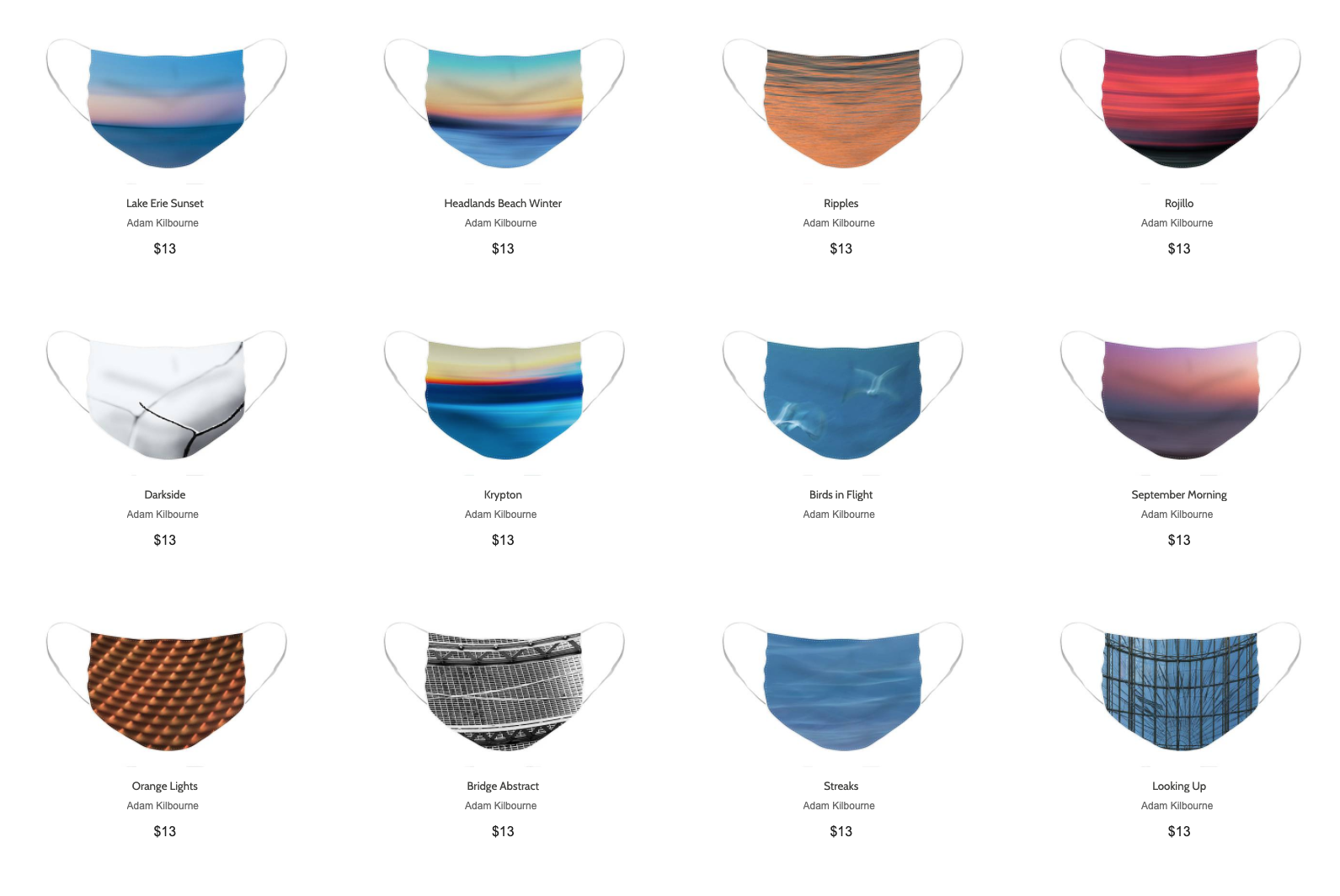
Need clothe face masks?...I just finished uploading a bunch of new abstract photos to my store. There are a variety of colors and styles using my photos as the image - a few examples below. FineArtAmerica charges $12 and I've added $1 to the cost. For every mask sold I will donate that dollar + 1 of my own to Restaurant Employee Relief Fund (https://rerf.us/)
Link to my store
https://fineartamerica.com/profiles/adam-kilbourne/shop/face+masks

Zoom (and Teams) Virtual Backgrounds 'FREE' - Week 4
It’s time for the last free set of images to use as virtual backgrounds in Zoom and Teams.
It’s time for the final set free set of images to use as virtual backgrounds in Zoom and Teams.
Instructions:
With the temporary situation of Work From Home, many of us are using Zoom and Teams for video conferencing. If you don’t like the room, or office you are in, these services give users the option to upload a new background image. They are great for Virtual Happy Hours. All images are sized at 16:9 ratio to fit Zoom and Teams.
Check out my tips for lighting and camera placement for virtual meetings to help you look your best. https://www.adamkilbourne.com/blog/2020/4/17/virtual-meeting-tips-for-participants
Week 4 (Click here for Week 4 zip file of complete set)
To download individual images…Click the name under the image to open the file. Dropbox.com will open in your browser. Click the download arrow in the upper right.
If you are signed into Dropbox, click Open-> Download from the menu in the upper right.

Zoom (and Teams) Virtual Backgrounds 'FREE' - Week 3
It’s time for another free set of images to use as virtual backgrounds in Zoom and Teams. See the Week 1 post for instructions. Microsoft Teams added the option for virtual backgrounds
It’s time for another free set of images to use as virtual backgrounds in Zoom and Teams. See the Week 1 post for instructions. Microsoft Teams added the option for virtual backgrounds. Check out this article from The Verge for instructions on adding backgrounds to Teams.
Today and one more week, I’ll be posting 8 photos each Sunday that you can download and use for your background. For Free!
With the temporary situation of Work From Home, many of us are using Zoom and Teams for video conferencing. If you don’t like the room, or office you are in, these services give users the option to upload a new background image. Click the settings (gear) icon and open Virtual Background. Select one of the default backgrounds or upload one my photos to use a background image. All images are sized at 16:9 ratio to fit Zoom and Teams.
Check out my tips for lighting and camera placement for virtual meetings to help you look your best. https://www.adamkilbourne.com/blog/2020/4/17/virtual-meeting-tips-for-participants
Week 3 (Click here for Week 3 zip file of complete set)
To download individual images…Click the name under the image to open the file. Dropbox.com will open in your browser. Click the download arrow in the upper right.
If you are signed into Dropbox, click Open-> Download from the menu in the upper right.

Virtual Meeting Tips for Participants
Take a few minutes before your next video conference or virtual happy hour to set up properly and look your best
Like many, I’ve been on a number of video conferences and virtual happy hours. I’ve noticed some common setups that could use improvement. We generally like to look our best when we meet in person, why not look your best on video.
The two most important things to plan for are lighting and camera position.
LIGHTING
Soft even light is best. We can get this quality light naturally from a window or you can create it with simple items around the house.
Face a window & make sure you do not have a window behind you. Bright light behind you will create a silhouette and the camera will not see your face.
If you don’t have a window you can use a lamp or multiple lamps. Place lamps to sides of the camera so they light your face evenly. Try to position lamps at face level or higher to minimize shadows.
If you cannot place lamps in front of you, try reflecting off a wall or ceiling. If your walls are not white or light, use a posterboard, or even a bedsheet/towel, as a reflector.
The light doesn’t have to be pretty, just soft. I’m using a shoplight clipped to a camera tripod. A white plastic bag helps to diffuse the light. See the photo below.
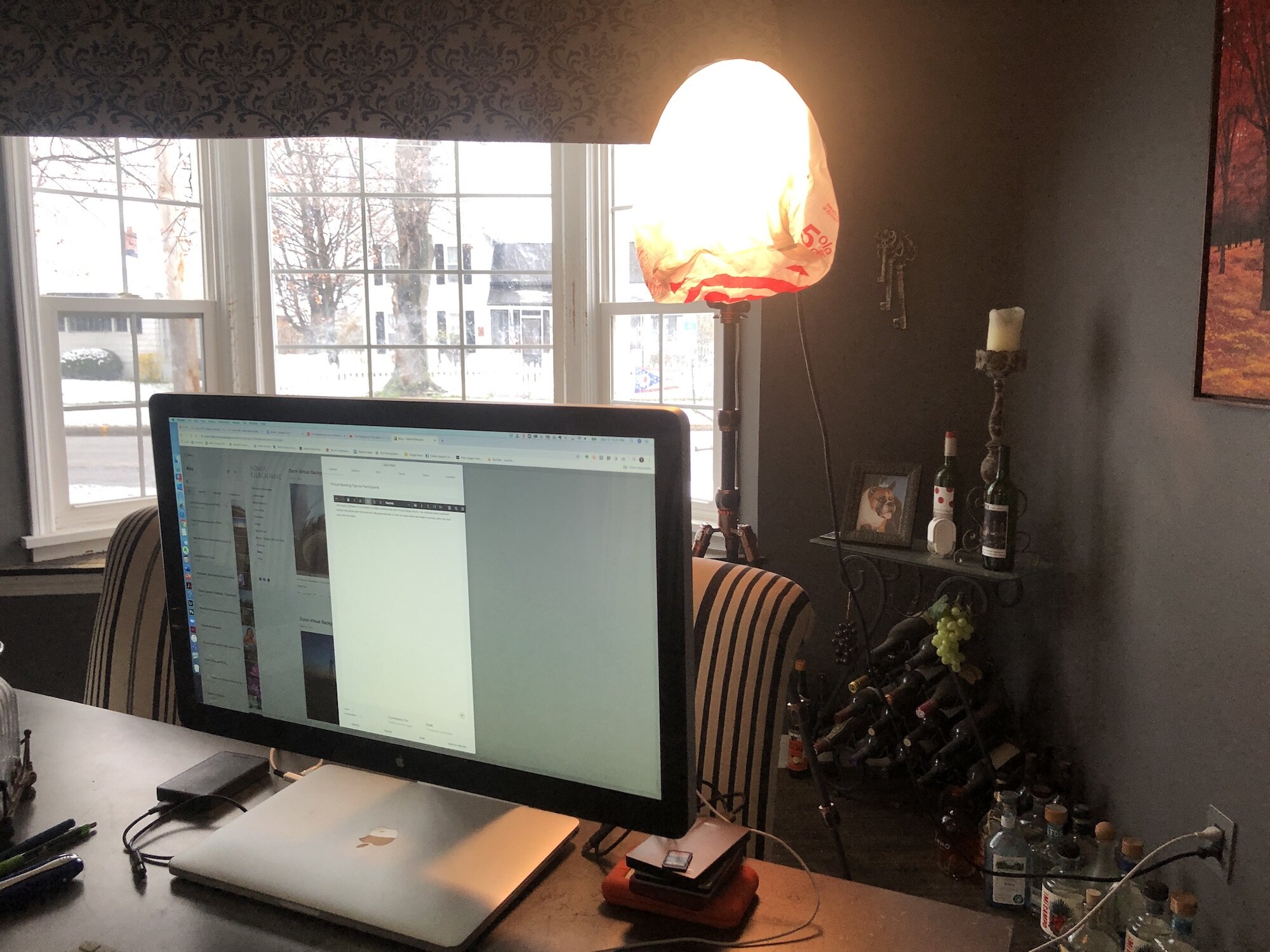
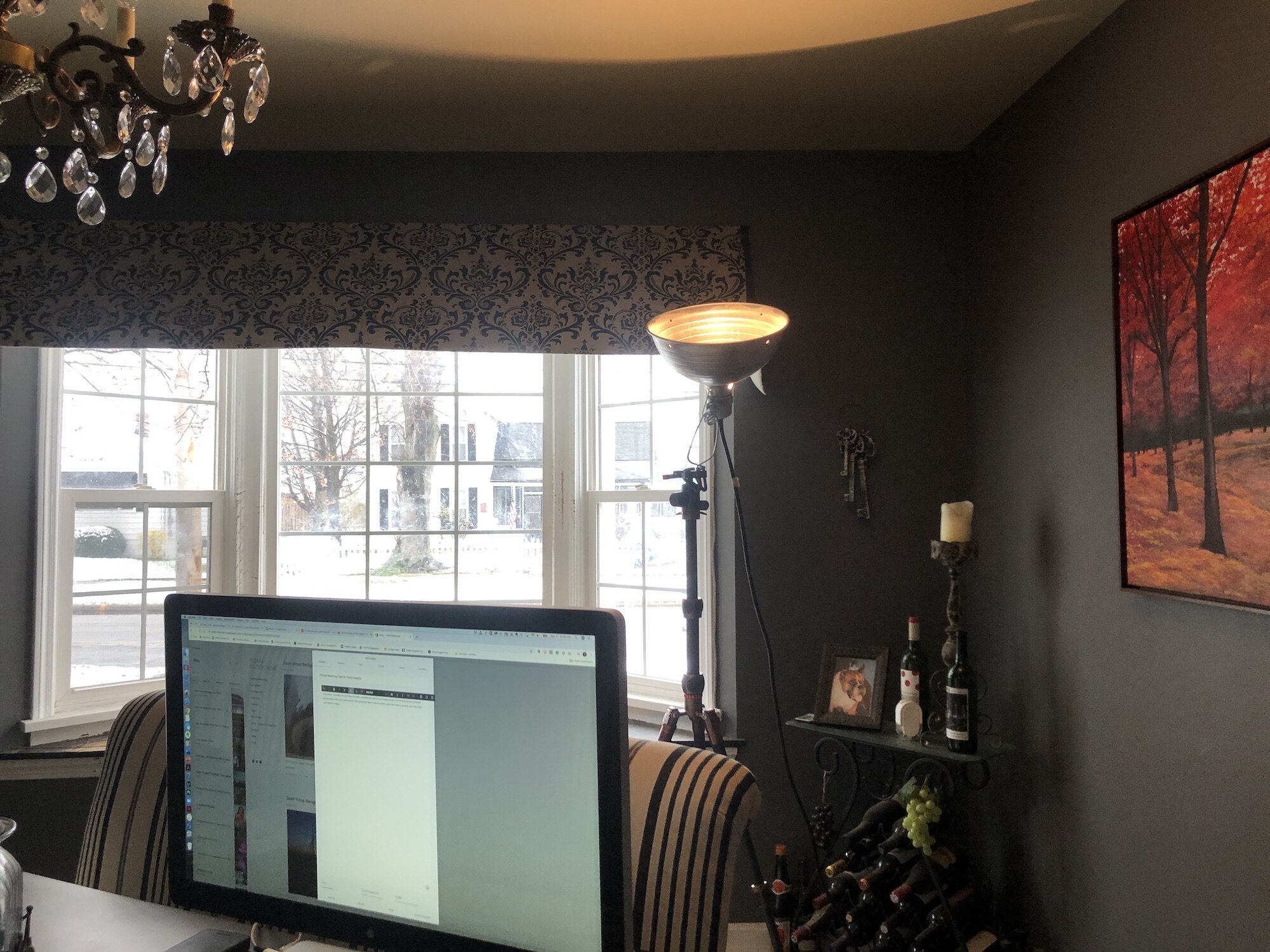
In the photos… It’s not pretty, but a shop light clipped to a stand with a white plastic bag as a diffuser works great. The bulb is low wattage and far enough from the bag to be safe. Use caution with your setup and don’t leave it on unattended. The other setup is with the light aimed up to reflect off the ceiling. The chandelier in my dining room is bright enough, but makes a lot of crazy shadows.
CAMERA POSITION
Although video conferencing has taken on a more casual demeanor, we still like to look good. And there are times when we need to maintain a similar professionalism to in person - a project interview for example. The ideal camera position is for you to sit up straight and have the camera at eye level.

Looking down at your camera creates multiple chins and looks up your nose!
If using a laptop set it on books or a box to get the height of the camera to eye level.
You can adjust your chair height as needed. I’m using a separate monitor with a built-in camera that is quite high. I have to sit on an extra cushion to raise myself to a more appropriate level.
If you are in a project interview, consider standing and raise your camera to accommodate the additional height. Use boxes on a counter to raise your laptop.
Don’t look down to a camera - tilting your head down adds chins to your face which are only flattering on a Shar Pei. It also gives viewers a great look up your nose!
Same rules apply to a plug-in camera - set it up at eye level.
Take a few minutes before your next video conference or virtual happy hour to set up properly and look your best.

Zoom Virtual Backgrounds 'FREE' - Week 2
For the next four weeks, I’ll be posting 8 photos each Sunday that you can download and use for your background. For Free!
For the next four weeks, I’ll be posting 8 photos each Sunday that you can download and use for your background. For Free!
With the temporary situation of Work From Home, many of us are using Zoom for video conferencing. If you don’t like the room, or office you are in, Zoom gives users the option to upload a new background image. Click the settings (gear) icon and open Virtual Background. Select one of the default backgrounds or upload one my photos to use a background image. All images are sized at 16:9 ratio to fit Zoom.
Zoom displays a mirror image of the file. I’ve reversed all the files in the download. They will display correctly when uploaded to Zoom. (make sure to check the box to “Mirror Video” in Zoom settings)
Here’s a link to an article with more information, including settings for other video conferencing platforms. Unfortunately, not all allow virtual backgrounds. “Zoom Virtual Backgrounds During Social Distancing”
Week 2
(Click here to download a .zip file with all Week 2 backgrounds)
To download individual images…Click the name under the image to open the file. Dropbox.com will open in your browser. Click the download arrow in the upper right.
If you are signed into Dropbox, click Open-> Download from the menu in the upper right.


Zoom Virtual Backgrounds 'FREE' - Week 1
For the next four weeks, I’ll be posting 8 photos each Sunday that you can download and use for your background. For Free!
For the next four weeks, I’ll be posting 8 photos each Sunday that you can download and use for your background. For Free!
With the temporary situation of Work From Home, many of us are using Zoom for video conferencing. If you don’t like the room, or office you are in, Zoom gives users the option to upload a new background image. Click the settings (gear) icon and open Virtual Background. Select one of the default backgrounds or upload one my photos to use a background image. All images are sized at 16:9 ratio to fit Zoom.
Zoom displays a mirror image of the file. I’ve reversed all the files in the download. They will display correctly when uploaded to Zoom. (make sure to check the box to “Mirror Video” in Zoom settings)
Here’s a link to an article with more information, including settings for other video conferencing platforms. Unfortunately, not all allow virtual backgrounds. “Zoom Virtual Backgrounds During Social Distancing”
Week 1
(Click here to download a .zip file with all Week 1 backgrounds)
To download individual images…Click the name under the image to open the file. Dropbox.com will open in your browser. Click the download arrow in the upper right.
If you are signed into Dropbox, click Open-> Download from the menu in the upper right.
Kelby World Wide Photo Walk | Sunrise Cleveland
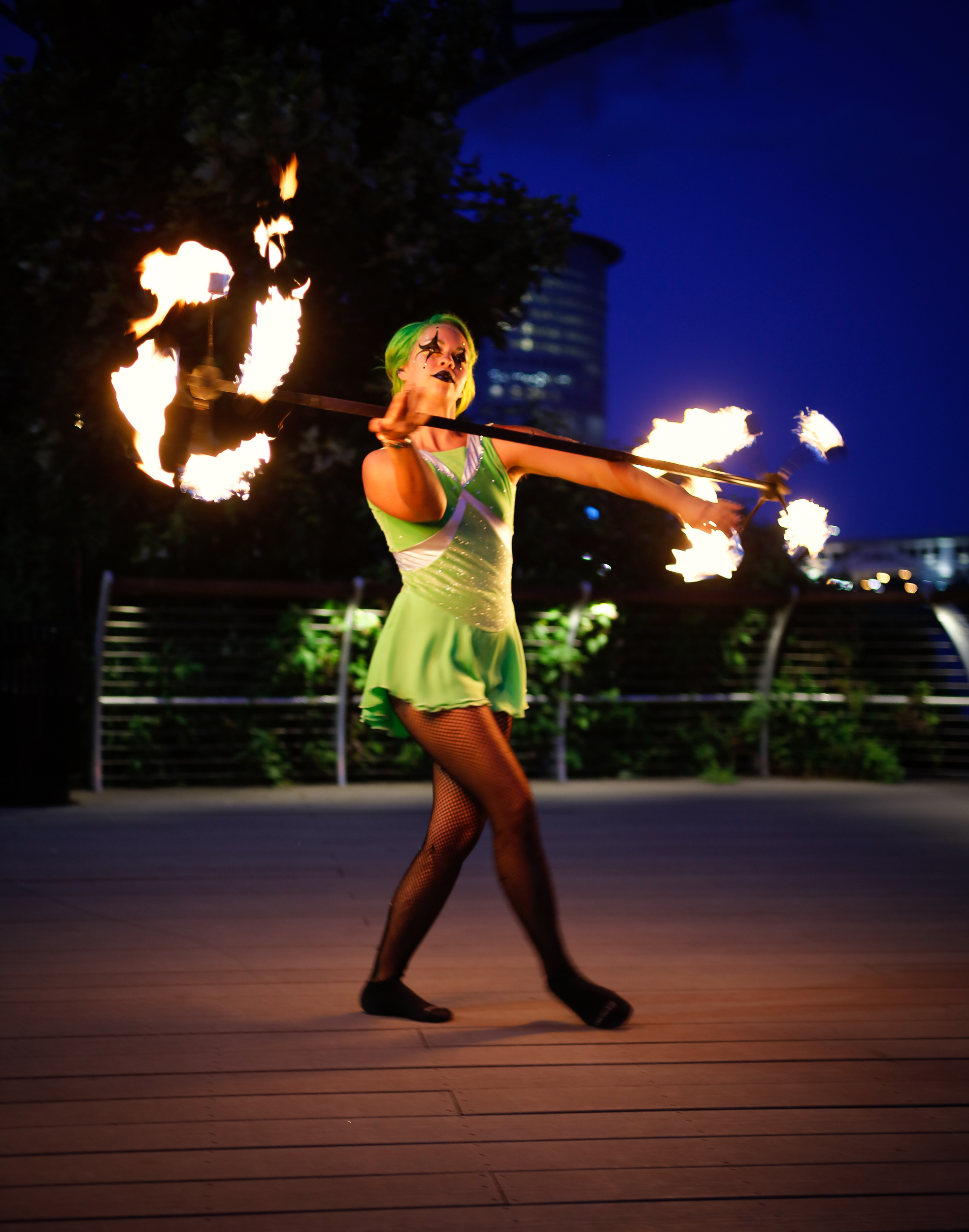
Saturday morning I participated in my fifth (maybe sixth) World Wide Photo Walk hosted by KelbyOne. The past couple years I went to the evening walks that included fire dancers, but this year I decided to do the sunrise walk. The sky didn’t fully cooperate, but we did have one nice cloud that turned a bright salmon color. The walk (meet-up) was at Voinovich Bicentennial Park in downtown Cleveland.


Land Before Time
Nelson-Kennedy Ledges State Park
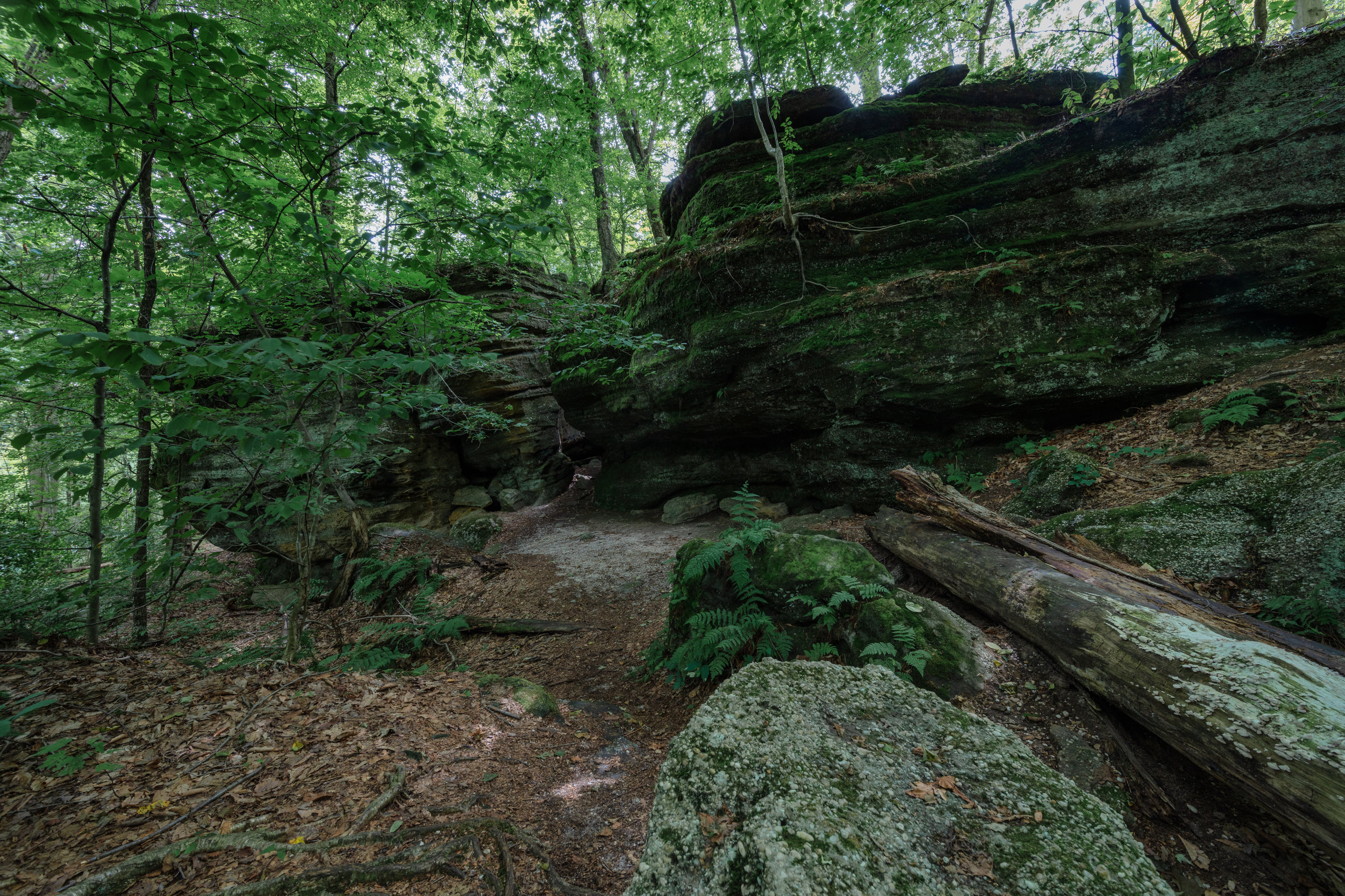
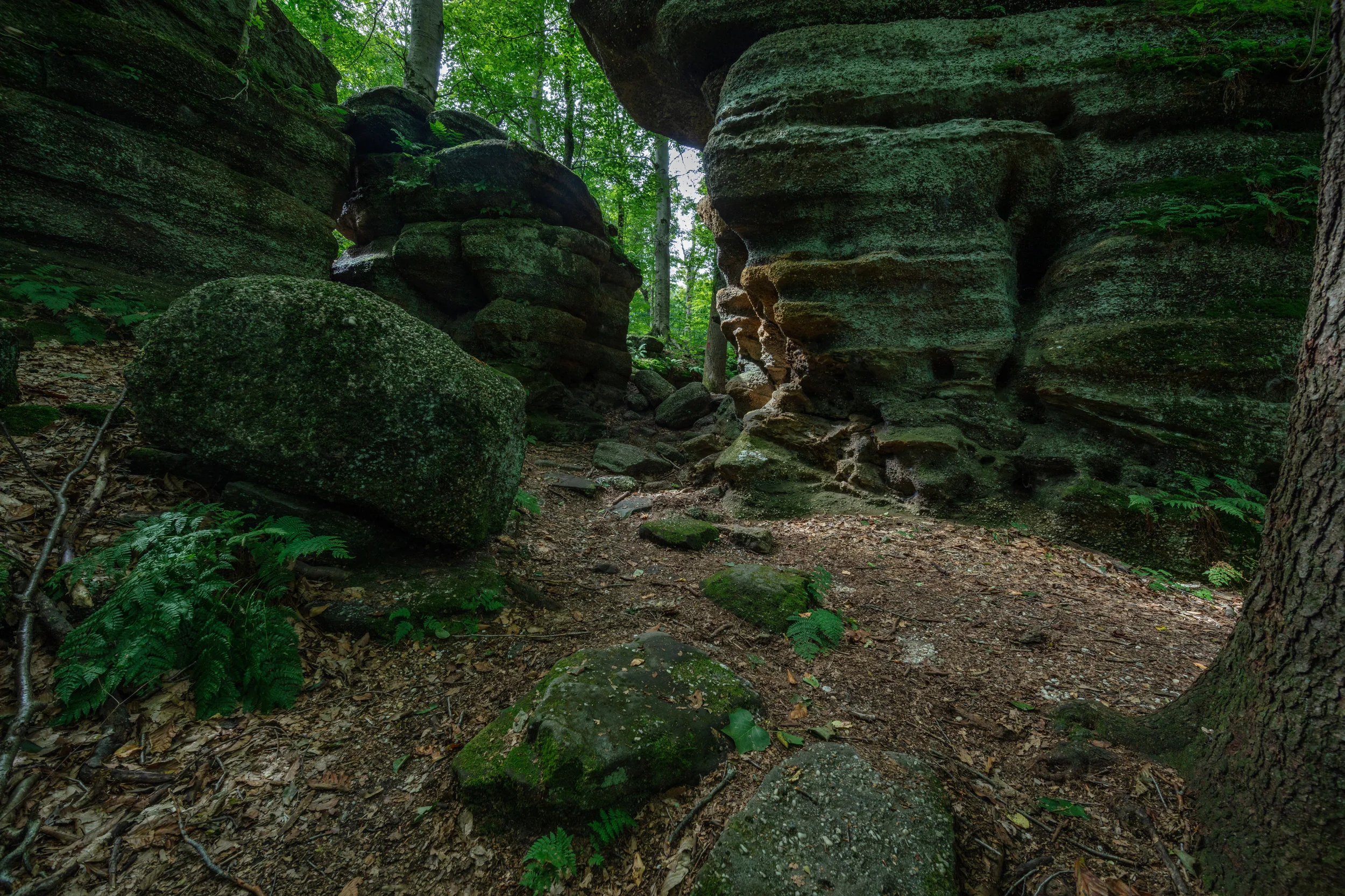
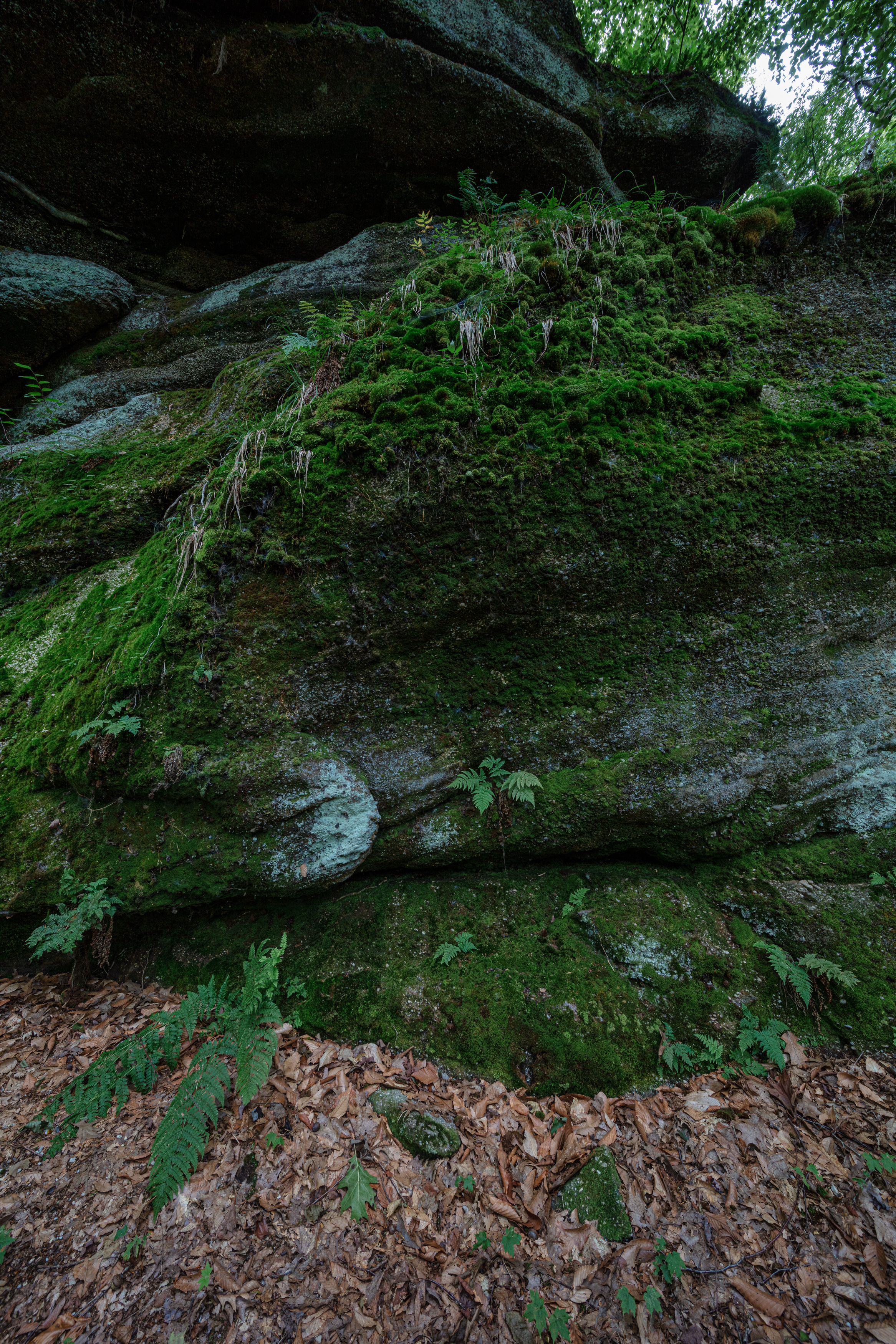
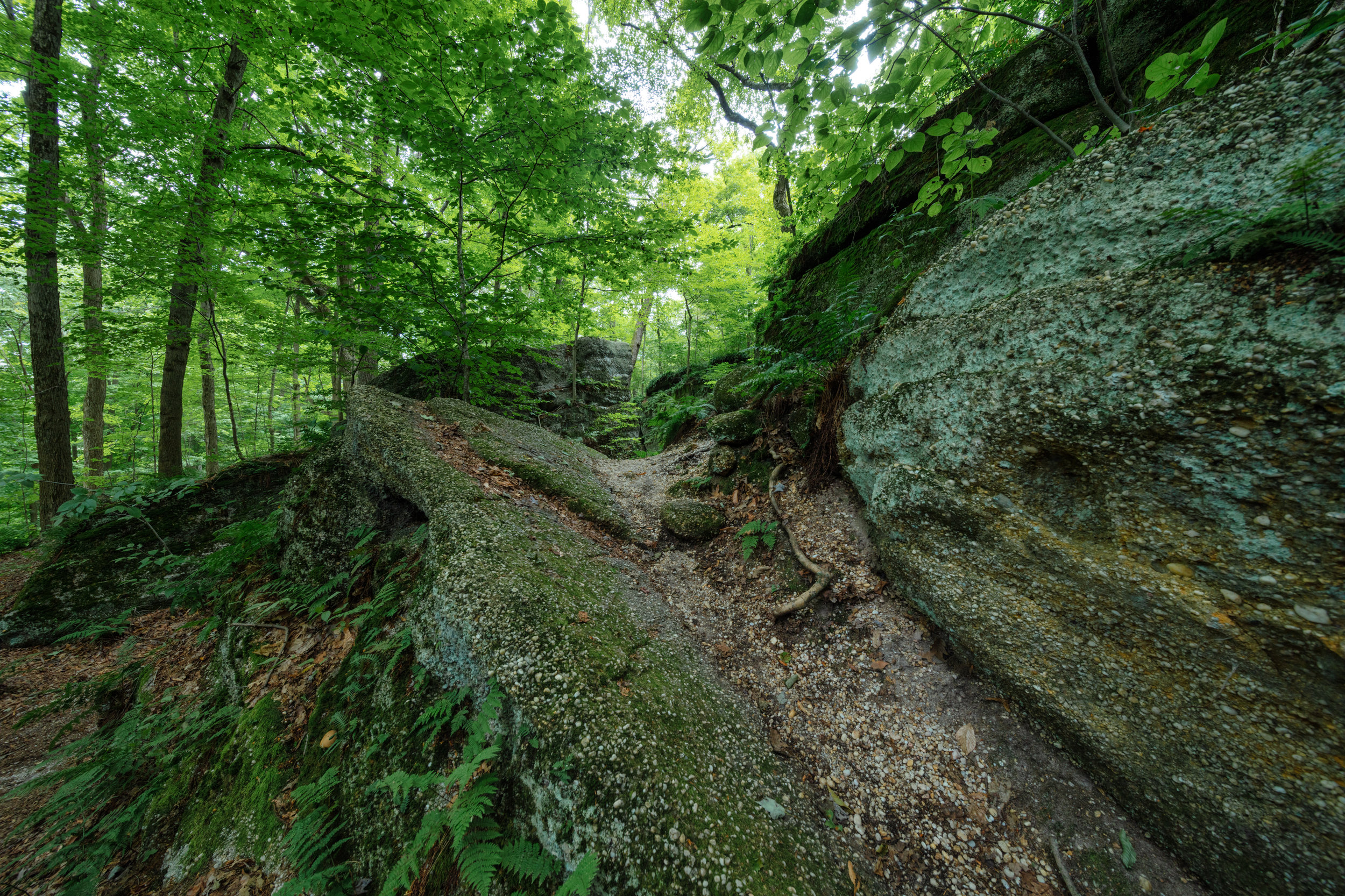
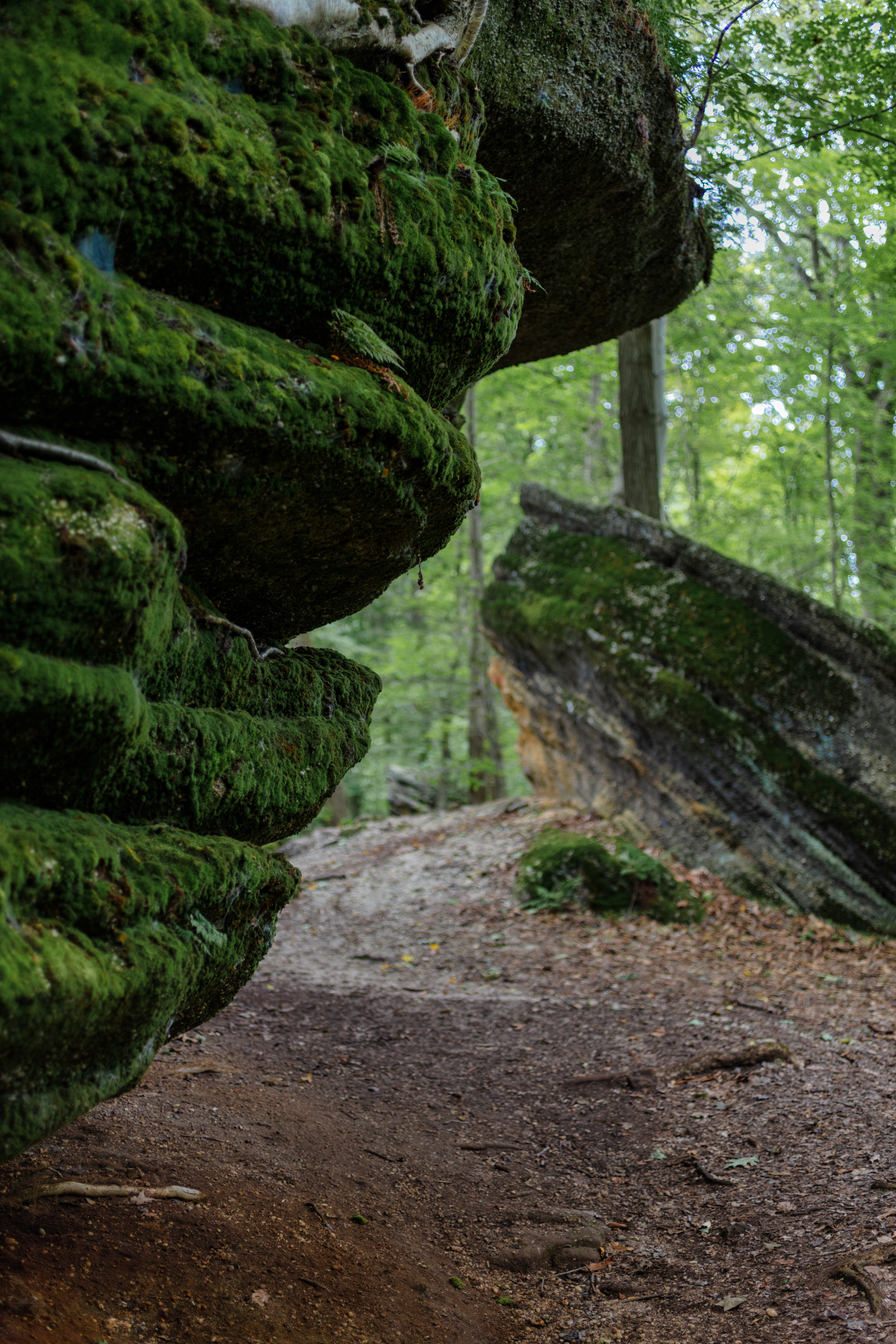
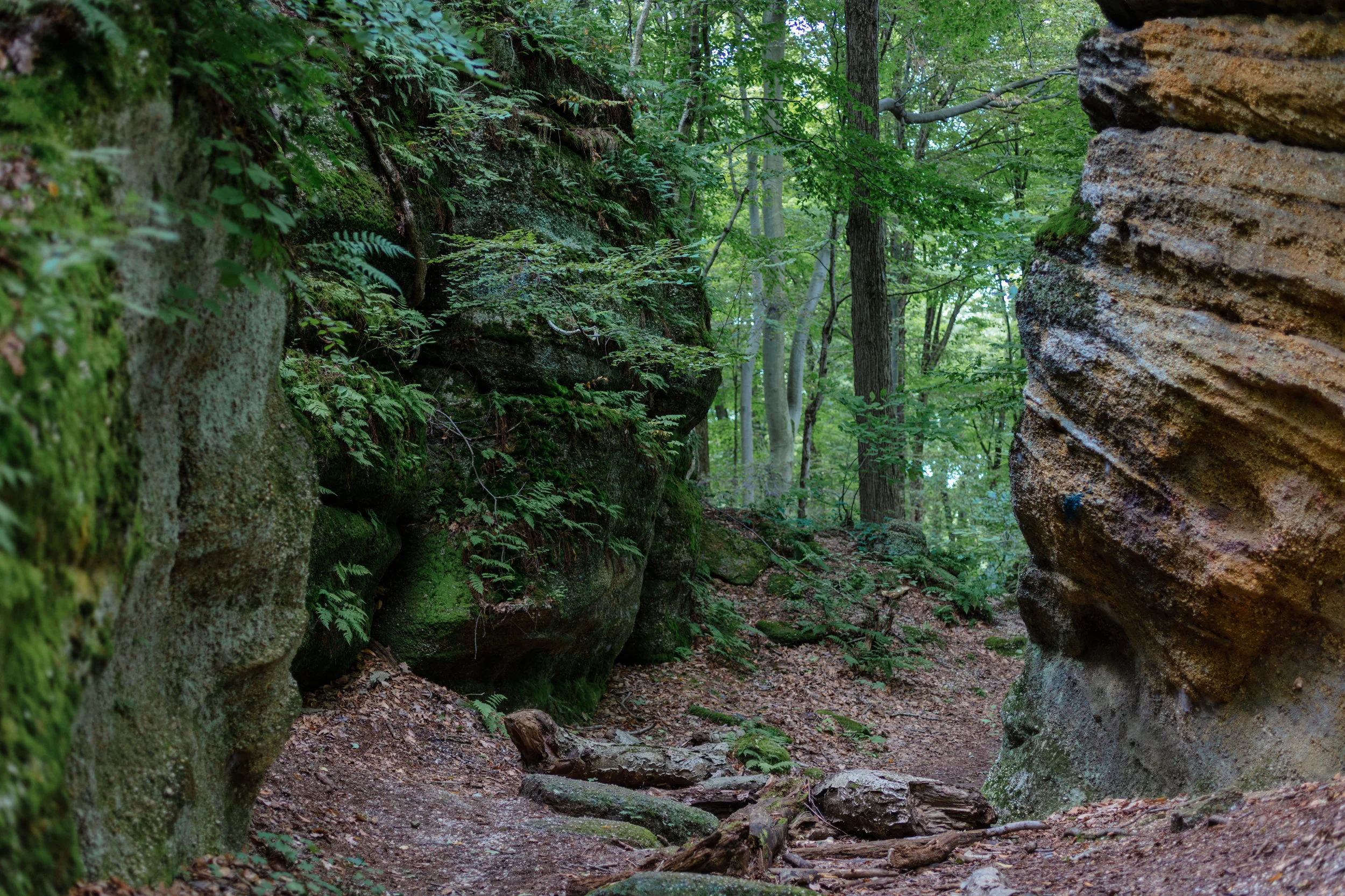
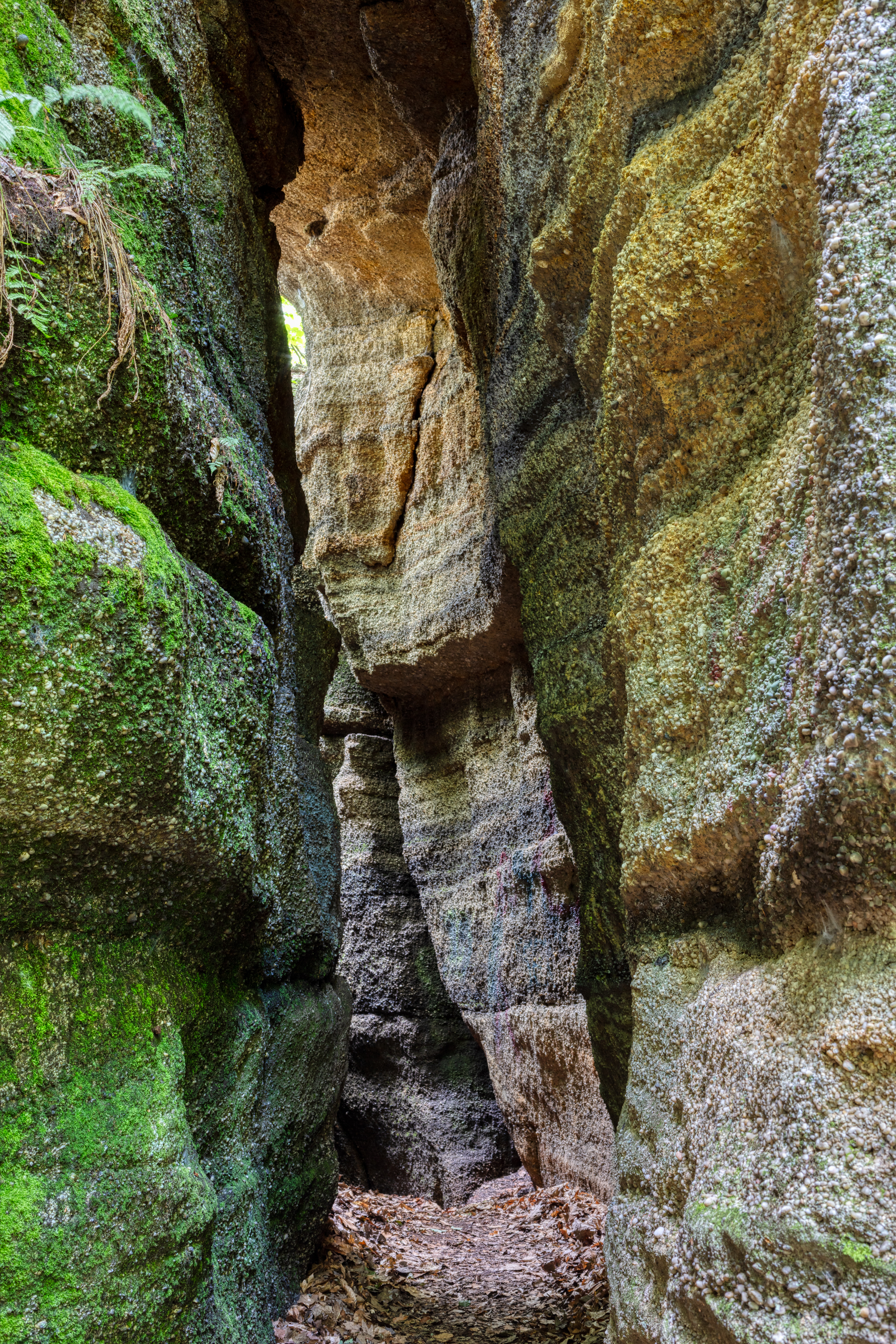
The past weekend I visited this park for the first time. I only hiked the blue trail - the easiest - but spent a couple hours photographing the rock formations that are among the few outcrops in northern Ohio still exposed to view. Most of the outcrops have been covered with soil and rock left by receding glaciers.
The sandstone cliff formations resulted from the forces of erosion--wind, water freezing and thawing--that wore away at the softer rock layers. As these soft layers eroded, large blocks of rock called slump blocks fell away leaving more resistant layers to form ledges above.













Water Lantern Festival - Cleveland
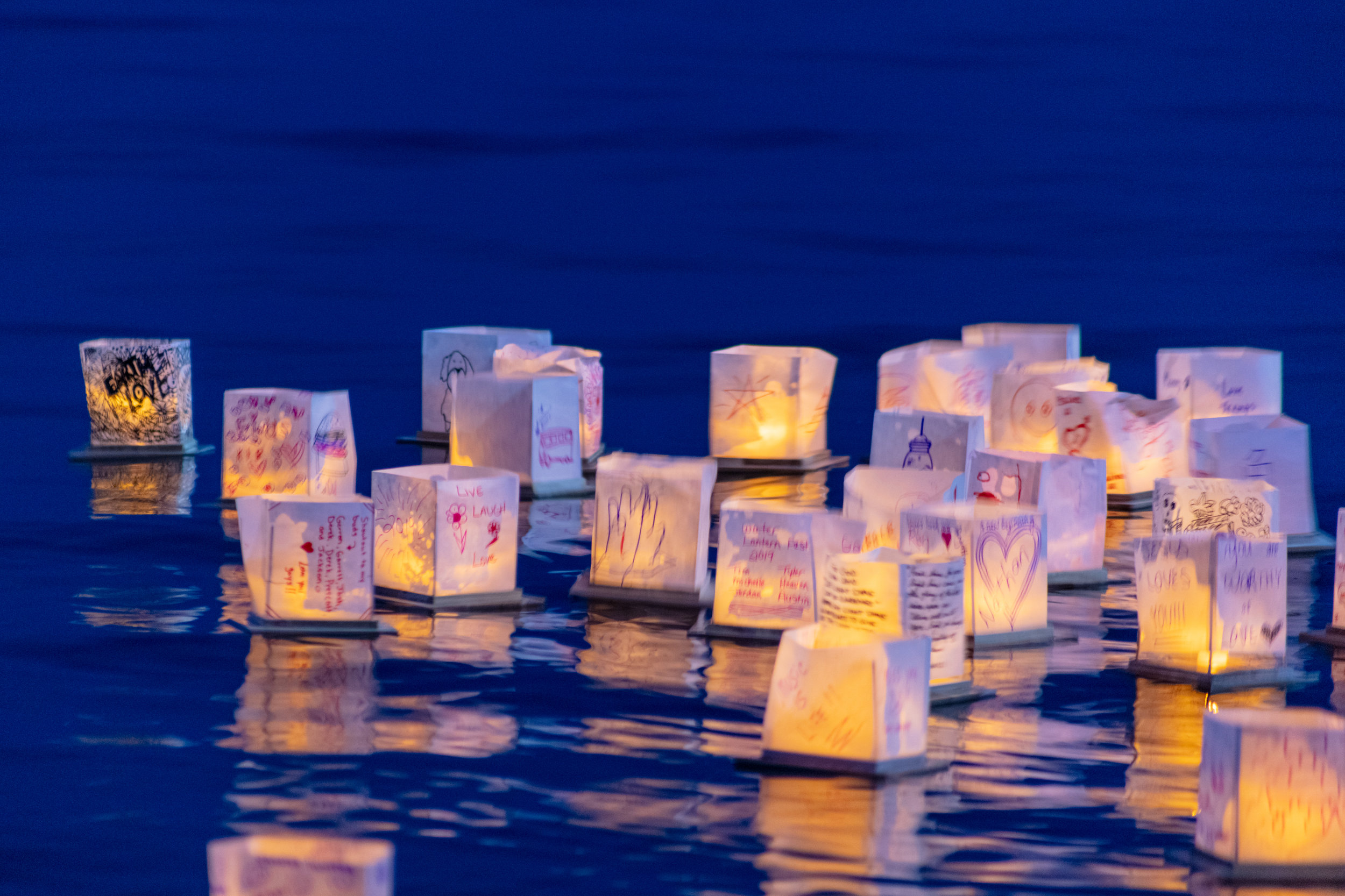
Went to the Water Lantern Festival last night hoping to get some nice photos. The weather was great after the sun went down, but the breeze was blowing in off the lake. The lanterns were blown into the boardwalk rather than out into the contained area of the lake. Organizers did a nice job with the festival - food trucks, music, and the lanterns. The lanterns were launched on ramps because of the height of the boardwalk area. A launch area was set up using pool noodles to create a "fence". All lanterns were collected after the event.
Close ups of my decorated lantern




Woodland Express at the Holden Arboretum
A beautiful display at the @holdenarb featuring “botanical architecture” made from leaves, twigs, and other natural materials by @Applied.Imagination, a Kentucky-based firm that has been producing award-winning garden railroad exhibits for decades. The Woodland Express features replicas of three Ashtabula County covered bridges – Harpersfield, Riverdale and Doyle.
https://www.holdenarb.org/woodland-express-model-garden-railroad-exhibit/


Cleveland Models
I don’t photograph people very often, but I stepped out of my comfort zone this week. Thank you @Sam.Young.Studios for organizing a great event in The Flats. The models were fantastic.